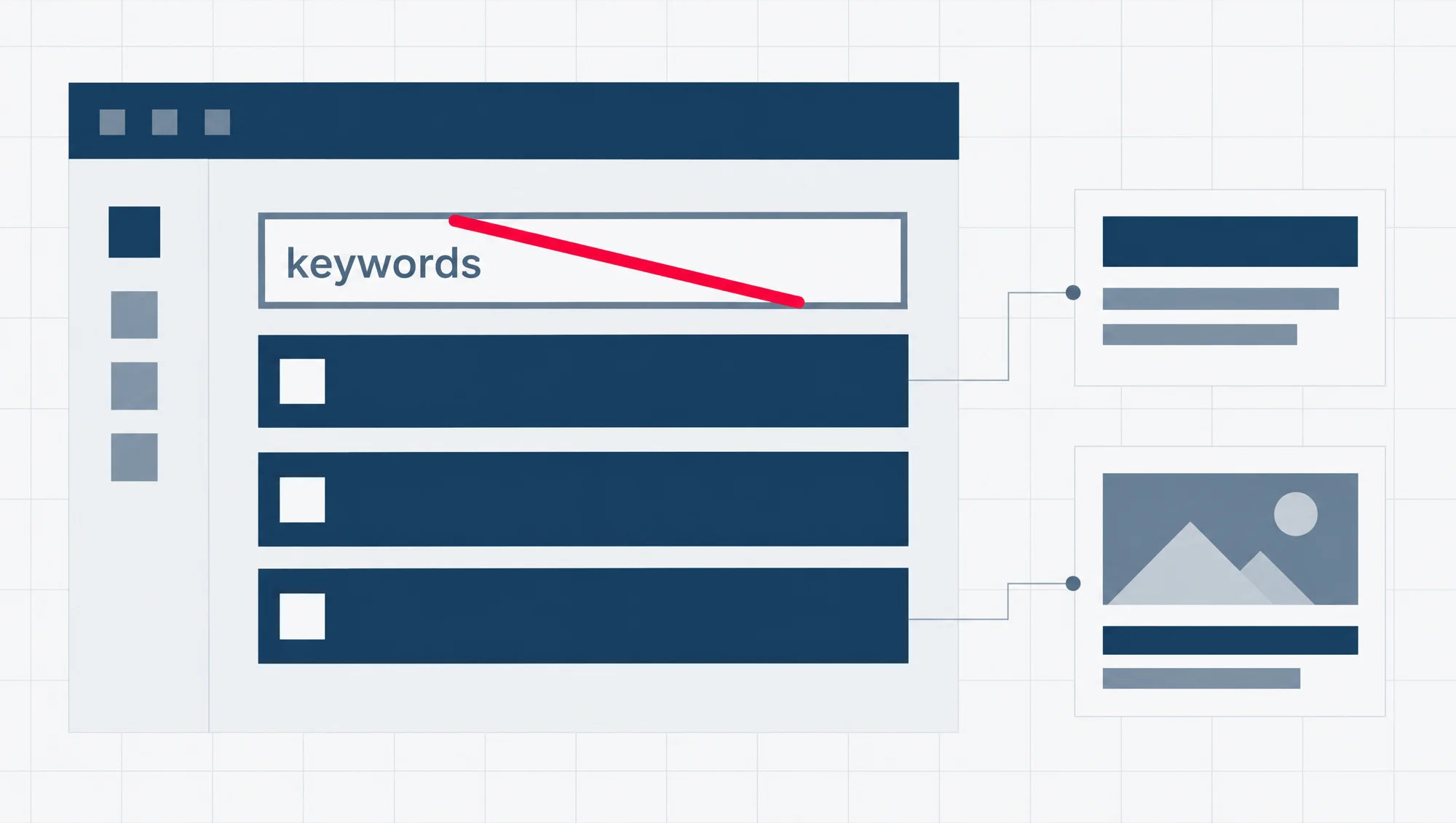
No. Google does not use the meta keywords tag, and filling it in does nothing for where your page shows up on Google. You can leave that box empty.
The meta-keyword tag is not used by Google Search, and it has no effect on indexing and ranking at all.
Google said so in a blog post back in September 2009. That post now opens with a short note from Google saying the post is old, “However Google still doesn’t support the keywords meta tag.” So the answer has not changed in seventeen years.
The useful part is what sits next to the keywords box. SEO is short for search engine optimisation, the work of showing up well on Google. The same SEO settings on your page hold three fields that can change what people see: the SEO title, the meta description and the social preview.
What the meta keywords tag is, and why Google stopped reading it
The meta keywords tag is one line of code in the hidden top part of a web page, the part called the head. It looks like this: <meta name="keywords" content="...">. Between the quote marks, the site owner lists the words the page is meant to be about. Visitors do not see the list on the page. It is there for programs that read the code.
That was the problem. Google’s 2009 post explains that people used the tag to stuff in words that often had nothing to do with the page, because no ordinary visitor would ever notice. The tag was abused so often that Google began ignoring it, years before that post was written.
Google did not stop reading every meta tag. It still reads several, and it keeps a list of them. The meta description is on that list. The keywords tag is on a separate list, of tags Google says it ignores.
Google also took up the question in a short video on its Search Central channel, posted in April 2010.
Watch on YouTube: Should I spend time on meta keywords tags?, by Google Search Central.
We chose this one because it is Google’s own channel, not someone reporting what Google said, and it runs well under two minutes.
Can meta keywords hurt your site?
On Google, no. In the line quoted at the top, indexing means Google adding your page to the pages it can show in search, and ranking means how high it shows. The tag touches neither, and that cuts both ways: it cannot lift a page, and it does not count against one. A site with an old keywords tag still in its pages has nothing to fix for Google’s sake.
One cost has nothing to do with rankings. The tag sits in the page’s code, and anyone can open the code of a public page. So the list is readable by anyone who looks, including a competitor.
Google’s 2009 post opens with exactly that scene. One site owner finds that a rival has copied some of the words from her keywords tag, and has even added her company’s name to his. Should she worry? For Google’s web search, the post says, the answer was no, because Google does not use the tag in ranking.
So an old keywords tag does no harm on Google, but it is not a secret either. If it lists the searches you are going after, you are telling anyone who reads your page source.
Does Bing use meta keywords?
Not as a boost in search, going by what Bing, Microsoft’s search engine, has said on its own webmaster blog. In October 2014 it wrote: “Today, it’s pretty clear the meta keyword tag is dead in terms of SEO value.”
Bing has also warned against stuffing the tag. A Bing webmaster blog post from March 2009 lists what it treats as good and bad practice. Using keywords in page titles and in links is on the good side. “But massive, misleading keyword stuffing in meta tags is not.”
Both posts are old, and neither is Bing’s rulebook. But they point the same way as Google. A tag with a few honest words in it earns nothing. A tag packed with words the page is not about is the kind of thing Bing has named as bad practice.
Is the keyphrase box in your SEO plugin the same thing?
No, and this is the mix-up most worth clearing up. If you use Yoast SEO on WordPress, the free and paid versions both give every page a box called the focus keyphrase. It is not the meta keywords tag.
The focus keyphrase is a check on your own writing. Yoast describes it as the place where “you can enter the keyword or keyphrase you’d like the page to rank for in Google.” The plugin then checks the page’s content against that phrase and gives you advice. Yoast’s own help also says not every page needs one: for a contact page, “it’s perfectly fine to leave it empty.”
The keywords field is gone. Yoast used to offer an optional meta keywords box that you had to switch on. It took that option out in version 6.3, and says “There is no longer an option to activate a meta keywords input field.” So if you remember a keywords box in Yoast from years ago, that was the old tag. If you see a keyphrase box today, it is the writing check.
Picking a good phrase for that box is keyword research, which is a separate job. Our guide on how to find seed keywords is a good place to start it.
The three fields that do change what people see
Leave the keywords alone and spend the time here instead. Each of these three fields shapes something a real person reads before they reach your page: the blue link on Google, the lines of text under it, and the card that appears when someone shares your page.
Read this as words instead
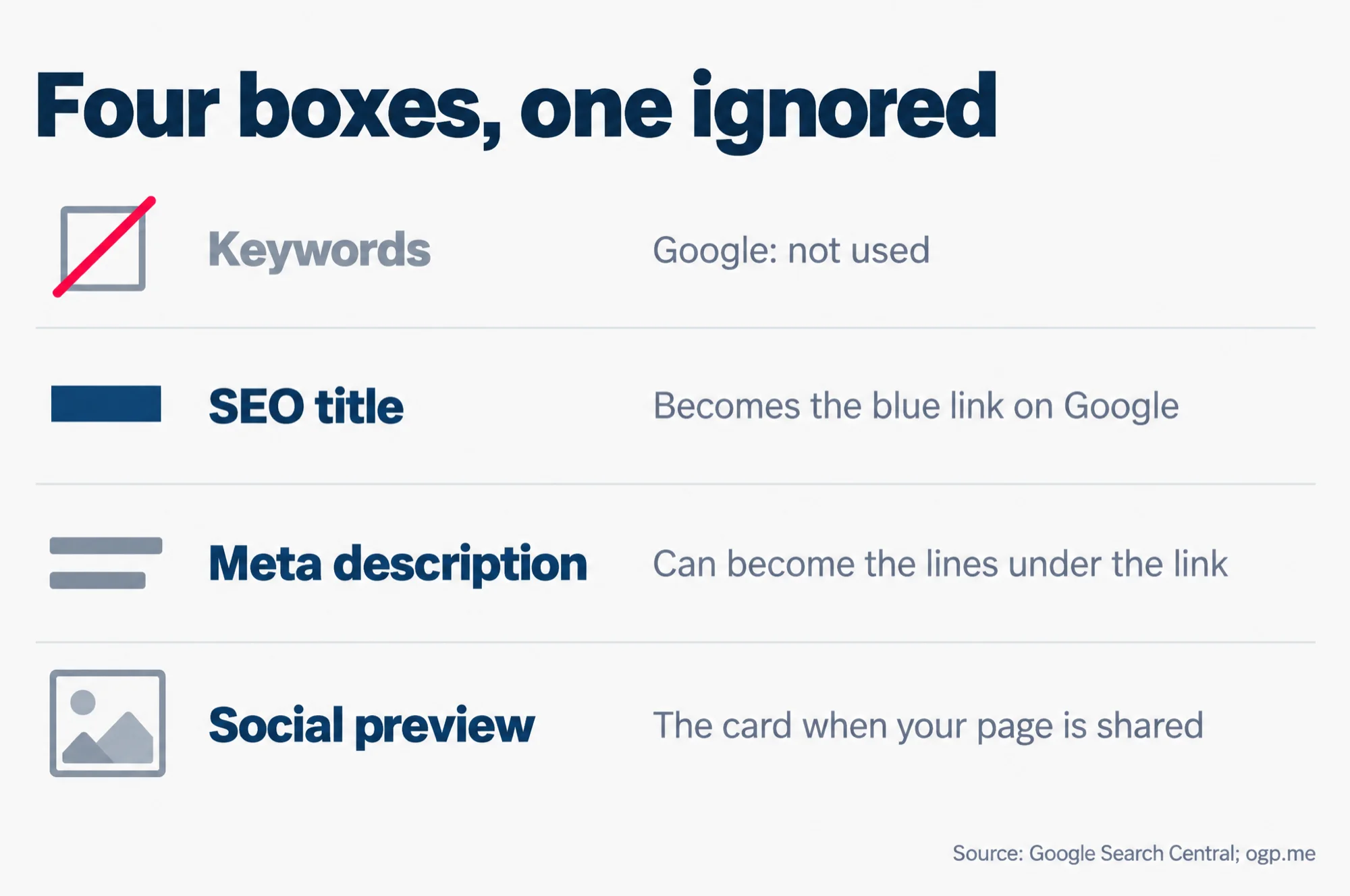
Four boxes, one ignored
- Keywords: Google: not used
- SEO title: Becomes the blue link on Google
- Meta description: Can become the lines under the link
- Social preview: The card when your page is shared
Source: Google Search Central; ogp.me
The SEO title: the blue link on Google
Yoast calls the SEO title “the title of your page you’ll see in Google’s search results.” Google’s name for that clickable headline is the title link. When Google writes one, the first source on its list is the page’s title element, the line in the page’s code that names the page.
Google writes that link itself, automatically. It can also draw on the page’s main heading and other text, so your title is not guaranteed to appear word for word. But Google calls title links “often the primary piece of information people use to decide which result to click”. That makes this the field most worth your two minutes.
Google’s advice for it is short. Give every page its own title. Make it describe that page, and keep it concise. Do not repeat the same words over and over: Google says that kind of keyword stuffing “can make your results look spammy to Google and to users.” There is no fixed length limit, but Google cuts long titles short to fit the screen.
The meta description: the lines under the link
The meta description is a short summary of the page, written into the page’s head for search engines to read. Unlike the keywords tag, it is on Google’s list of tags it supports.
It can become your snippet. The snippet is the text Google shows under the title link. Google says it builds snippets mainly from the page’s own content, and may use the meta description when it “describes the page better than other parts of the content.” So a good description can be shown, but it is never guaranteed.
Google has said it does not rank pages by it. The same 2009 post put it directly: “we still don’t use the description meta tag in our ranking.”
Write it as a plain summary of that one page, different on every page. Google’s own example of a bad description is a list of keywords, and it says descriptions made of “long strings of keywords” are less likely to be shown at all. Like the title, it has no length limit but gets cut short to fit the screen.
The social preview: the card when someone shares your page
When someone shares your link on social media, the post can show a small card with a picture, a title and a line of text. The details for that card come from a set of tags in the page’s head called the Open Graph protocol, which its own specification says is used on Facebook. The specification lists a title, a type, an image and the page address as the tags every page needs, and a one or two sentence description as an optional extra.
In Yoast SEO, these sit in a section called Social media appearance, where you set an image, a title and a description for the page. That section comes with the free plugin, not only the paid one, and Yoast says its preview shows how the card will look on Facebook, X and LinkedIn. If you or your customers share your pages on social media, this is the field that decides whether the link looks cared for.
The social title can differ from the SEO title. A search result has to say what the page is about. A shared link can be a little warmer, because the person who shared it has already said why.
A two-minute check on one of your own pages
Pick one page that matters to your business, such as your main service page. Then:
- Open the page in your WordPress editor and find your SEO plugin’s settings for it. In Yoast SEO, that is the Yoast sidebar, or the Yoast box under the page.
- If you see a keywords box, leave it empty. If you see a focus keyphrase box, fill it in only if you want the plugin’s writing advice.
- Write the SEO title: what this page is, in plain words, with your business name if it fits.
- Write the meta description: one or two sentences a searcher would want to read before they click.
- Open the social preview. Check that the picture shows something real from the page and is not cropped badly, then set the title and description.
- Save, and do the next page another day.
When those three fields are done on your main pages, our on-page SEO checklist covers the other parts of a page, from headings to images and internal links.
If you want Google’s own word on every tag it reads and ignores, its page Meta tags and attributes that Google supports is short and worth keeping. And if you use Yoast and want to see how the rest of it is laid out, our review of the Yoast SEO plugin walks through its setup and the settings box under each post.