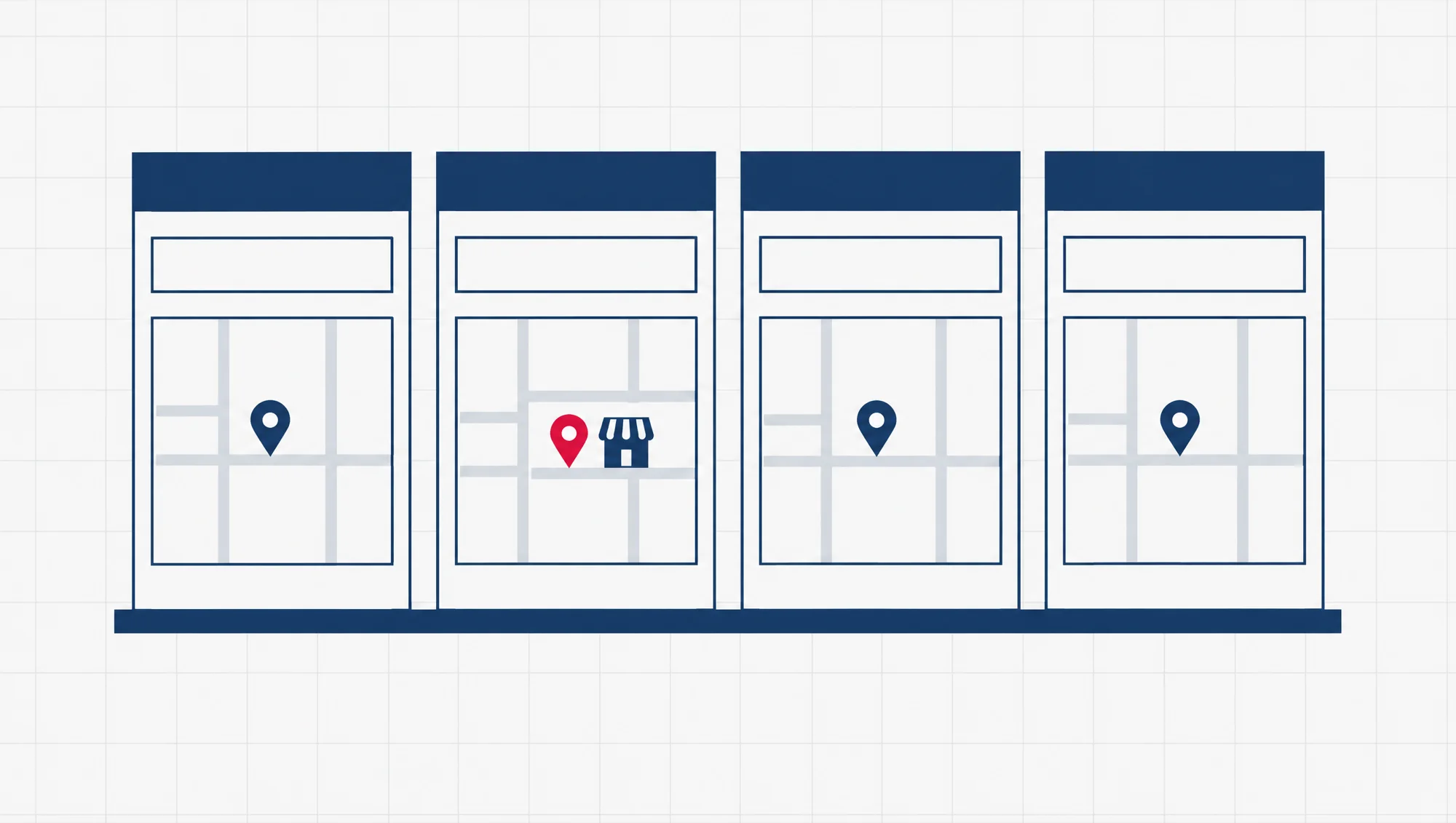
GoWhere is a family of Singapore government websites, each built to answer one “where do I go” question, such as where to spend CDC vouchers or where to find a budget meal. GovTech, the government’s technology agency, builds the GoWhere sites, and the agency behind each site supplies what goes on it.
You can see the current list at gowhere.gov.sg. If you run a hawker stall or a heartland shop (a neighbourhood shop in a housing estate), the one most likely to touch your business is CDC Vouchers Merchants GoWhere. Residents use it to look for places that take CDC vouchers. These are the vouchers every Singaporean household gets from the five Community Development Councils (CDCs), the councils that each look after one district of Singapore.
To be listed there, you join the voucher scheme on a different site, one that goes by the scheme’s name rather than GoWhere’s.
The GoWhere sites GovTech names all sit on web addresses that end in .gov.sg, the ending Singapore government websites generally use. The government’s own website, gov.sg, names checking that ending as its first test for telling a real government site from a copy.
Who runs the GoWhere sites?
GovTech builds them. A GovTech team called Government Digital Services created GoWhere during the COVID-19 pandemic, when people needed to know quickly where to collect masks and test kits. The idea was simple: type your postal code, see the nearest place.
Its mask finder, MaskGoWhere, did well enough that other agencies worked with GovTech to build GoWhere sites of their own. A 2022 government factsheet names SupportGoWhere, built for the Ministry of Social and Family Development (MSF), as one of them. The GoWhere sites share one set of building blocks, so a new campaign (a handout or an awareness drive) does not need a new website built from nothing.
GovTech runs GoWhere. The agency behind each site owns what is on it. In April 2024, GovTech wrote that a tool called DIYGoWhere lets agencies update their own GoWhere sites instead of waiting for GovTech’s team to do it.
GovTech’s own page puts the scale at 28 government initiatives and more than 61 million visits, as of March 2024. Put plainly, 28 government schemes have used GoWhere, and its sites have had more than 61 million visits between them. That count includes the pandemic sites, such as MaskGoWhere, so it tells you how often GoWhere has been reused, not how many sites are open now.
Which GoWhere sites are live today?
GovTech’s GoWhere page names four as its popular sites, and all four were up on 1 November 2026. GovTech also points readers to gowhere.gov.sg for the full list of active campaigns, meaning the handouts and awareness drives running now, so look there before you rely on any list, this one included.
Each name is a question. Read the site’s name as “where to find this”, and you know what it does.
| Site | The question it answers | Address | What it means for a business |
|---|---|---|---|
| Sites that list businesses | |||
| CDC Vouchers Merchants GoWhere | Where to spend CDC vouchers? | gowhere.gov.sg/cdcvouchers | Residents use it to find hawkers and heartland shops that take the vouchers. Your stall can be one of them. |
| BudgetMealGoWhere | Where to find a budget meal? | gowhere.gov.sg/budgetmeal | It points residents to coffee shops with budget meals, and the public can add places they find. |
| Sites for households | |||
| HealthierSGGoWhere | Where to get preventive healthcare and support? | gowhere.gov.sg/healthiersg | A household site. Healthier SG is the Ministry of Health’s preventive health programme. |
| SupportGoWhere | Where to find support schemes and services? | supportgowhere.life.gov.sg | For residents who need help. Note the different address: it still ends in .gov.sg. |
GovTech calls the voucher finder “CDCVouchersGoWhere” on its own page. The CDCs, which launched the voucher scheme, call it “CDC Vouchers Merchants GoWhere”. Both names point to the same address.
Older names you may remember were built for the pandemic: MaskGoWhere for masks, ARTGoWhere for COVID-19 test kits (ART stands for antigen rapid test), and VaccineGoWhere for where to get vaccinated. If an old bookmark no longer works, start again from gowhere.gov.sg.
Which GoWhere site will a small business meet?
The voucher finder. If you run a hawker stall or a heartland shop, CDC Vouchers Merchants GoWhere is the GoWhere site that can send customers your way. Residents key in their postal code or street name and see the participating hawkers and merchants nearest to them.
The money behind it is real. In 2026, the CDC Vouchers Scheme gave every Singaporean household $300 in January and $500 in June. In January, $150 of the $300 was for spending at participating hawkers and heartland merchants. In June, it was $250 of the $500. The rest was for participating supermarkets.
Added up, that is $400 of each household’s $800 for 2026 set aside for hawkers and heartland shops.
You do not sign up on GoWhere. The finder lists merchants who have joined the scheme. You join on the CDC Vouchers Scheme’s own site, vouchers.cdc.gov.sg, which carries the scheme’s own name.
Its Get Started page for merchants sets out the terms in three lines: no fees or commissions, no paper vouchers to handle, and payment the next day. That next-day payment only works if the payment details you give the scheme are correct: your bank account, or the phone or ID number your PayNow is linked to. Check them twice.
The sign-up itself is two steps on that page. First, find which CDC your stall falls under by keying its postal code into the district locator, a postal code search the page links to. Then click that CDC and fill in its online form.
The page says someone from the scheme (it calls them ambassadors) will get in touch after that. It also has a step-by-step guide to the RedeemSG Merchant app, the app you use to accept the vouchers, in English, Chinese, Malay and Tamil.
When the CDCs launched the finder, they said it “will be updated periodically”. So if you have just joined, give it time before you go looking for your stall on the map.
How do you tell a real GoWhere link from a fake one?
Look at the address, not the page. A real GoWhere site sits on a .gov.sg address, such as www.gowhere.gov.sg or supportgowhere.life.gov.sg. gov.sg’s own advice is the same: official government websites generally use a .gov.sg address, and you should be careful with any other, unless you already know the site.
The ending is what counts, and it has to be the true ending. In an address like gowhere.gov.sg.example.com, the real site is example.com. The .gov.sg in the middle is just a word the owner of example.com chose to put there.
Government sites also carry a thin strip across the top that reads “A Singapore Government Agency Website”. You will see it on gov.sg, on GovTech’s site and on the CDC Vouchers Scheme’s site. Beside it, a “How to identify” link opens the same two checks: official links end with .gov.sg, and secure sites use HTTPS, the secure form of a web link. You can spot HTTPS as a lock, or as https:// at the start of the address.
Treat the strip and the lock as clues, not as proof. Anyone who copies a page can copy how it looks, and a fake site can have a lock too. The address is the check that matters.
Before you tap a GoWhere link that came by SMS, WhatsApp or email, run these checks:
- Press and hold the link on a phone, or point at it on a computer, so the full address shows before you open it.
- Find the end of the site’s name: the part just before the first single slash.
- Check that it ends in .gov.sg, or that the link is an official go.gov.sg short link, the short form the government uses to point to its own websites.
- Once the page opens, look for the lock and the “A Singapore Government Agency Website” strip.
- If any check fails, close the page and type gowhere.gov.sg yourself instead.
- If you are still unsure, call the ScamShield Helpline on 1799, the number to call when you are not sure whether something is a scam. It runs 24 hours a day.
The same strip carries one more line worth remembering: government officials will never ask you to transfer money or give your bank log-in details over a phone call. A GoWhere finder works from a location or a keyword you type in. If a page calling itself GoWhere asks for your bank log-in, treat that as the warning sign.
Links that do not claim to be from the government, such as a supplier’s invoice link, carry the same risk under another name: phishing. That is a believable message whose link leads to a page built to capture a password or a payment.
A phishing link checker, a tool that inspects a suspicious link before you act on it, can do the first look for you. Our guide for small and medium businesses (SMEs), Phishing link checkers: practical protection for Singapore SMEs, covers the free ones and the habits that go with them.
What can a small business website borrow from GoWhere?
Two habits: one job per page, and a finder that starts from where the visitor is.
One job per page. Each GoWhere site answers a single question, and its name says which one. The name BudgetMealGoWhere tells you what the site is for before you open it. On a business site, the same idea means a page for each thing a visitor comes to do: find you, see your prices, book a slot. A visitor who wants your address should not have to read your company history to reach it.
A finder that starts from the visitor. GovTech describes the GoWhere search as simple: enter your postal code and see what is near you. Even the voucher scheme’s own merchant page uses a postal code locator to tell a hawker which CDC to contact.
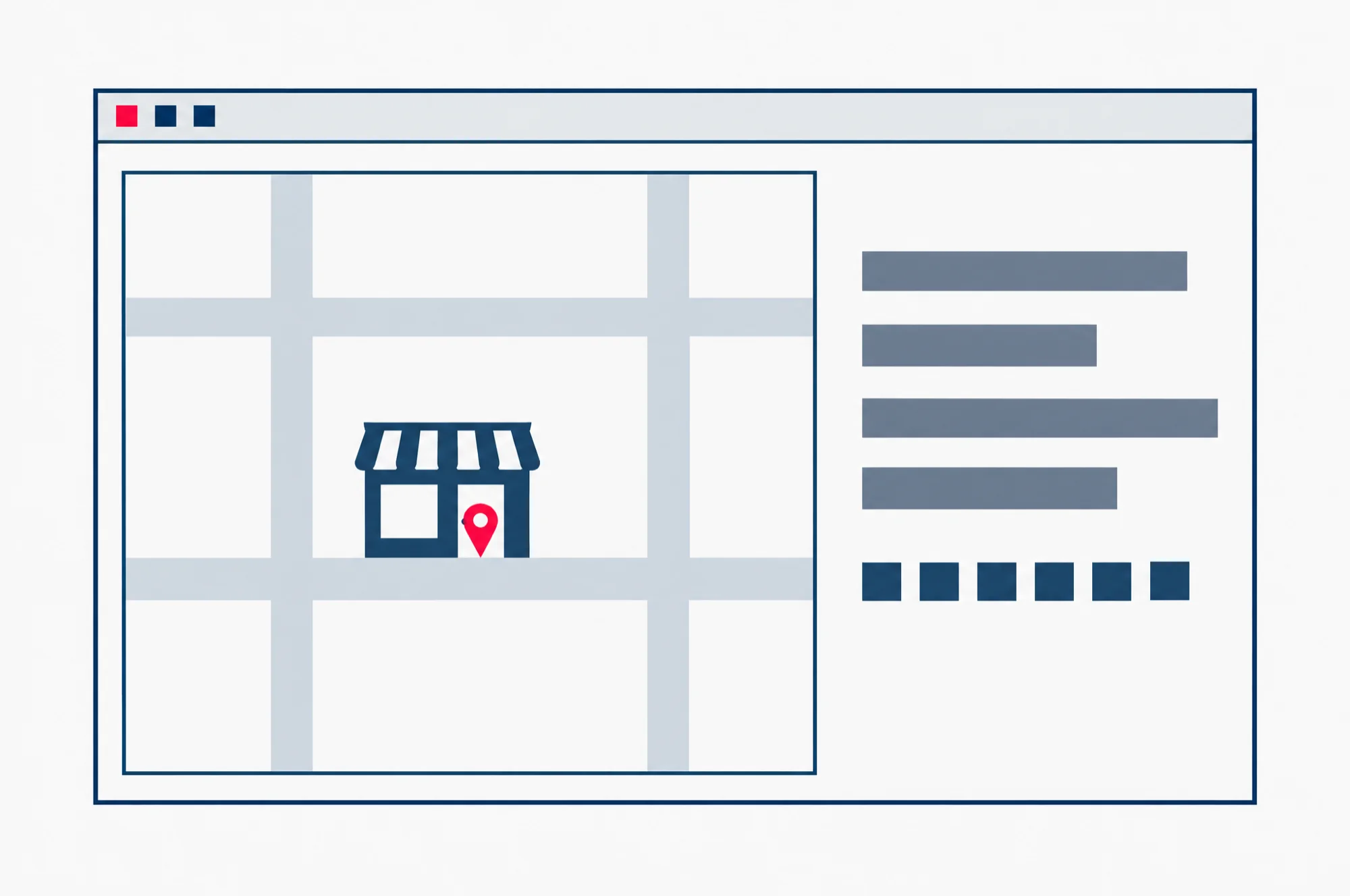
For a business with one shop, the finder is simpler still: a map with the pin on your real door, and your address written out as text beside it, postal code included. A business with several outlets can list them by area, each with its own map.
Keep it easy to update. GovTech found that setting up a GoWhere site took about four days, and changing one took about three, because its team had to go back and forth with several parties to gather, check and translate each change. That is why it built DIYGoWhere, so each agency could make its own changes. Our advice to our own clients follows the same logic: the opening hours and the address should be things you can change yourself, not a request you send to someone and wait on.
The next read
If customers come to your door, the location finder is the part of your site to get right first. Our guide, Google Map location on your website: pin first, embed second, starts with your Google Business Profile, the record of your business inside Google. That is where your map pin is set, not in the embed code, the code you copy from Google Maps to show the map on your page. The guide then shows how to move the pin to your real door, and how to place the map on your page.