For a Singapore small business, Facebook is a free place to be found and to talk to customers, and a paid place to advertise. It is owned by Meta, which has its Asia Pacific headquarters in Singapore, and it is not a website your business owns: Facebook sets the rules, and Singapore’s anti-scam law now sets rules for Meta.
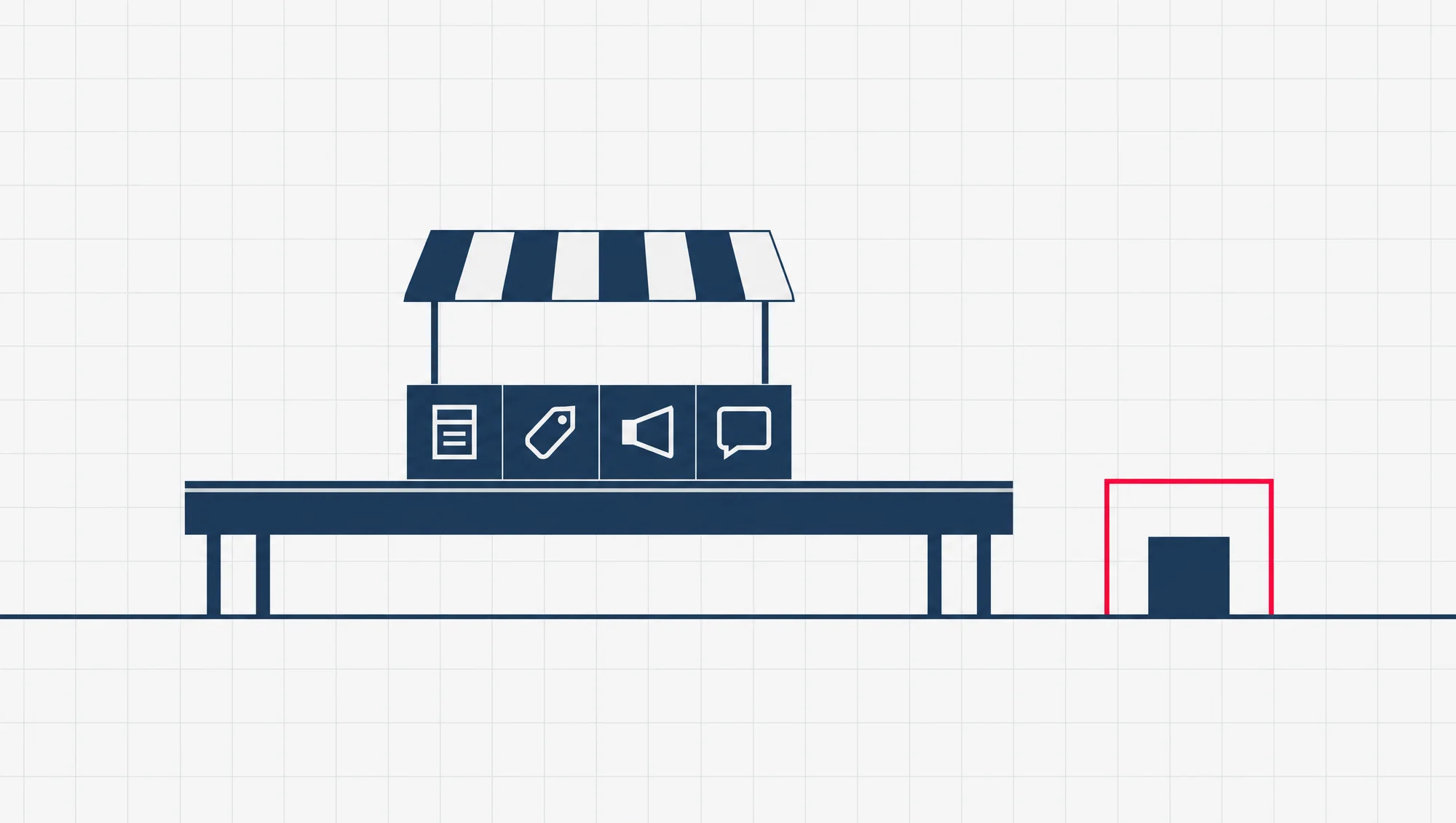
Say you bake at home in your HDB flat, a Singapore public housing flat, and your Facebook Page is the only place customers find you. You meet four parts of Facebook.
Your Page is your business’s profile. Marketplace is the buy-and-sell section. Ads are posts you pay to show to more people. Messenger is the chat app. Each one does a different job, and each has a different catch.
Where is Facebook based in Singapore?
Facebook’s Singapore office is Meta’s Asia Pacific headquarters, its main office for the region. Meta Platforms is the company that owns Facebook, along with Instagram, Messenger and WhatsApp.
Meta used that name for its Singapore office in a press release in September 2024, when it held a launch event there.
Meta also builds here. Its data centre is in Tanjong Kling, an area known as Singapore’s data centre hub, and it is Meta’s first in Asia Pacific. Meta announced it in September 2018. A data centre is a building full of the computers that store and serve what people post.
For a Page owner, the office matters less than it sounds. When something goes wrong with your Page, the place to start is Meta’s Business Help Center, its online help site for businesses.
How many people in Singapore use Facebook? The user counts quoted online are estimates from marketing research firms, not official figures, so this guide leaves them out. The police count something else, scams, and Facebook features heavily there, as the rules section below shows.
Is a Facebook business Page free?
Yes, to set up and run. Facebook lists Pages among its free tools for business.
A Page is your business’s own public profile on Facebook, kept apart from your personal profile. Customers follow it, read your posts and send it messages.
Money comes in when you want more people to see a post than would see it anyway. Paying Facebook to show one post to more people is called a boost, and it is a small form of advertising. So a Page is free to keep, and reach beyond your own followers is what costs.
The other cost is time. A Page with no new post for six months can tell a new customer the wrong thing: that you may have stopped trading.
Can a business sell on Facebook Marketplace in Singapore?
Sellers do list on Marketplace in Singapore, and Singapore’s anti-scam rules are written with them in mind. Whether your business may list, and what, is Facebook’s call. Its own Marketplace rules set who may sell what, and on what terms.
Read those rules before you list. Check any selling fee on Facebook’s own help pages rather than in a blog.
What Singapore adds is that the law treats Marketplace as an e-commerce service, a place where things are bought and sold online. Since 26 June 2024 it has been one of the services under the E-Commerce Code, alongside Carousell, another buy-and-sell app.
The E-Commerce Code is a code of practice: a set of rules the police can require a platform to follow. It comes under the Online Criminal Harms Act, Singapore’s law on crimes carried out online.
Under that code, Facebook checks selected Marketplace sellers against government-issued records. The Ministry of Home Affairs (MHA), the government ministry behind these rules, calls this “enhanced verification”.
MHA judged that the checks worked. It says reported e-commerce scams on Marketplace fell by about 55 per cent from May to November 2024. So in March 2025 it chose not to require checks on every seller. It added that it may ask Meta to verify more sellers if the scam numbers get worse.
For a home business, the practical point is short. If Facebook asks you, as a Marketplace seller, to verify who you are against government records, that is the check this code describes. Have your details ready, and keep the name on your listings the same as the name on your Page.
How do Facebook ads work for a small business here?
An ad is a post you pay Facebook to show to people who do not follow your Page. You set it up and watch how it does in Meta Ads Manager, the tool Meta gives advertisers for running ads.
What changes in Singapore is who Facebook lets advertise. Two steps matter most here.
Meta’s own step, in 2025. In March 2025, MHA said Meta intended to verify the identities of all advertisers on Facebook by the end of June 2025. By advertisers, MHA means those who pay for ads on Facebook.
The law’s step, by January 2027. On 17 August 2026 the Singapore Police Force (SPF) issued a new Social Media Code, a code of practice for Facebook, Instagram and TikTok. Facebook must comply by 31 January 2027. Among its rules, Facebook must verify an advertiser’s identity against government-issued records before that advertiser can publish any ad aimed at Singapore users.
The same code tells Facebook to stop ads it has reason to suspect are scams, and to promptly remove suspected scam ads, including those users report.
Ads for financial services or products are not allowed unless the advertiser is licensed by the Monetary Authority of Singapore (MAS), Singapore’s financial regulator, or by another Singapore authority that applies.
So before your first ad, expect to prove who you are. If you sell anything financial, such as insurance or loans, check your licence covers it before you spend on an ad.
What does Messenger do for a business Page?
Messenger is Meta’s chat app. For a small business on Facebook, it is where customers ask about price, stock and delivery.
Meta also sells Messenger ads, one of its paid ad types beside Facebook ads. Like any other ad, they cost money.
The catch is that a chat is easy to fake. MHA says a significant share of e-commerce scams are carried out on Facebook Pages. Scammers set up Pages that pretend to sell goods and services, then use them to reach out to and deceive buyers.
So a buyer chatting with a copy of your Page may not know it is a copy. Give them something to check. Say on your Page, in plain words, how you take payment and which name the payment goes to. Then tell regular customers to check any new payment request against it.
What do Singapore’s anti-scam rules mean for your Facebook Page?
The rules are aimed at Meta, not at you. You meet them from Facebook’s side: as identity checks, as extra steps when you log in, and as a duty to act sooner on scam ads and fake pages.
The reason is the scale of the problem. The police say Facebook alone accounted for about 18 per cent of all scam cases in Singapore in 2025. That is close to one scam case in every five.
The law behind the rules is the Online Criminal Harms Act, passed on 5 July 2023. It lets an office within the Singapore Police Force issue codes of practice, like the E-Commerce Code above, to the online services it lists. It can also issue directives: orders to one company to put a specific measure in place.
If Meta fails to comply with a directive without reasonable excuse, it faces a fine of up to $1 million on conviction, meaning once a court finds it guilty. It faces up to $100,000 more for every day the offence continues.
Here is what each rule asks of Meta, and what you may notice as a Page owner. The last column is our reading of each rule, not Facebook’s own description of its screens.
| Rule and date | Covers | What it asks of Meta | What you may notice |
|---|---|---|---|
| E-Commerce Code, in force from 26 June 2024 | Facebook Marketplace, Facebook ads, Facebook Pages | Verify selected sellers and advertisers against government-issued records | For some sellers and advertisers, a request to verify identity |
| Enhanced E-Commerce Code, issued 17 August 2026, comply by 31 January 2027 | Facebook Marketplace, Facebook Business Pages | Stronger consent measures before a login from a new or unrecognised device | An extra step to confirm it is you when you log in from a new phone or computer |
| Social Media Code, issued 17 August 2026, comply by 31 January 2027 | Facebook, Instagram, TikTok | Verify advertisers before their first ad to Singapore users; stop and remove suspected scam ads; financial ads only from licensed advertisers | An identity check before you advertise; suspected scam ads, including ones you report, are meant to come down promptly |
| Second directive on impersonation, meaning fakes that pretend to be someone, 27 January 2026 (the first came in September 2025) | Facial recognition, software that matches faces in pictures, and faster review of reports from Singapore, against fake ads, accounts and pages that pose as people | If the police assess you as at high risk of impersonation, reports from Singapore about fakes of you are to be reviewed first |
Facebook Pages have a short history under these rules. In March 2025, MHA said it had waived the code’s requirements for Pages for the time being, so Facebook could put Marketplace and ads first. It also said it was working with Meta to bring identity checks to selected Pages in 2025, and might require checks on all Pages if scams did not fall significantly.
So if you sell through your Page, you may be asked to verify who you are. MHA counts these checks among the measures it sees as critical to protecting buyers from e-commerce scams.
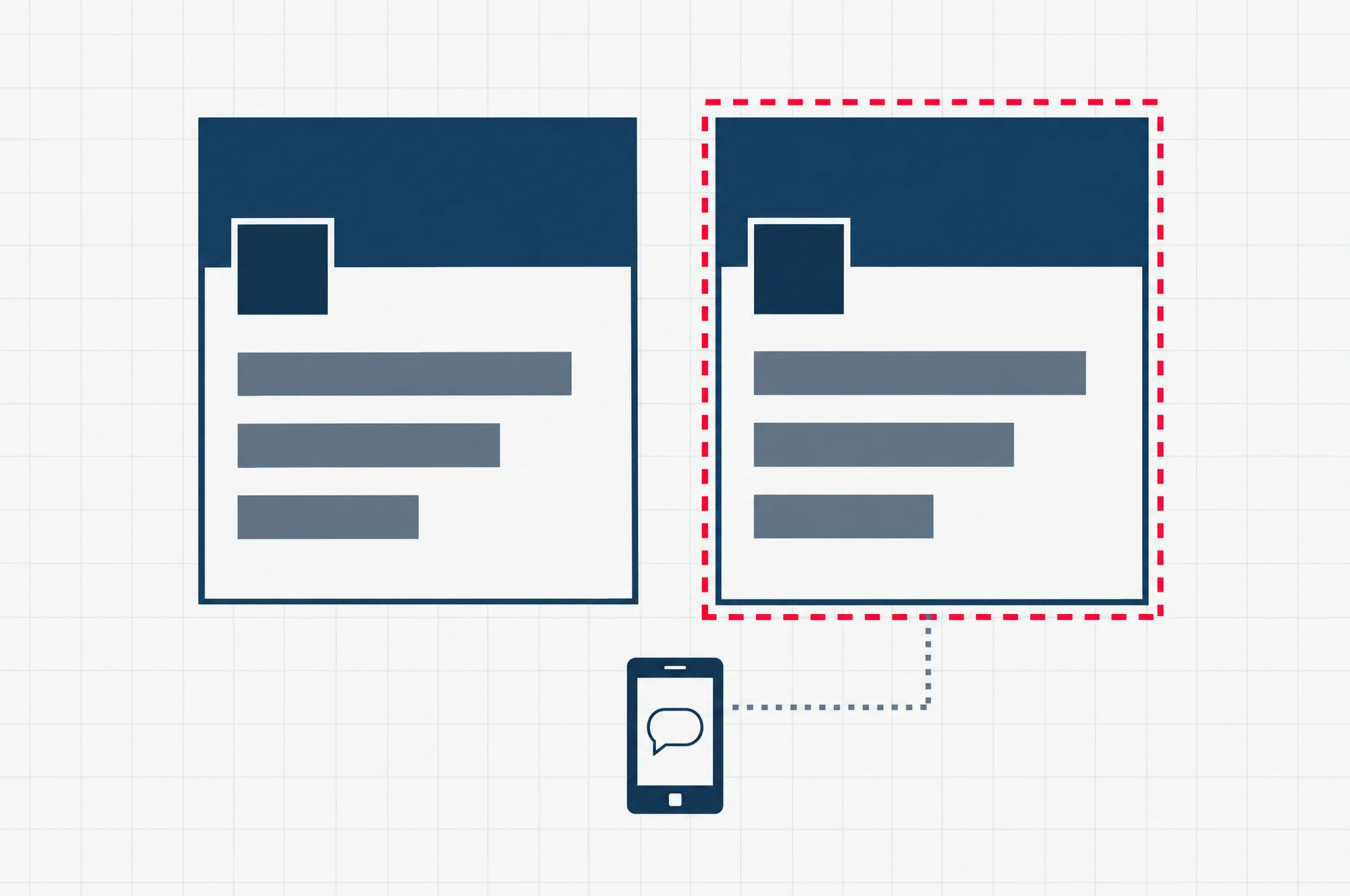
What if someone copies your Page?
The January 2026 directive is about fakes that pose as people. It covers people who hold government office in Singapore, people the police assess to be at high risk of being impersonated, and well-known Facebook users. It names scam ads, accounts, profiles and business pages that impersonate those people.
For a one-person business whose Page carries your own name and face, that line is thin. But the directive does not say it covers a copy of a business’s Page as such, so do not count on it.
What you can do, in order:
- Take screenshots of the copy and note its address. A copy can vanish, and the screenshots are your record of it.
- Report the copy to Facebook from your own account, and ask a few regular customers to report it too.
- Post on your real Page that a copy exists, and repeat how you take payment and which name the payment goes to.
- If you are not sure whether something is a scam, call the ScamShield Helpline on 1799, the anti-scam phone line the police point people to. It is open 24 hours a day, every day.
- Where money has been lost, make a police report. The directive counts people with a police report filed about their impersonation among those the police may assess as high risk.
Is a Facebook Page enough without a website?
Not on its own. As a way to be found and to talk to customers, a Page can carry a small business a long way. As your only home online, it is a risk, because you rent it.
Renting means someone else’s rules decide what happens to it. Accounts get disabled or restricted, and Facebook’s business help has a topic of its own on that. A copy of your Page can draw customers away while a report is reviewed. And every rule in the section above is a duty the government places on Meta, not a promise to you.
A website on your own domain name works the other way round. A domain name is your web address, the part people type, such as a name ending in .sg. Register it in your business’s name, and the address stays yours for as long as you renew it. What the site says, and how customers reach you through it, is then your decision, not Facebook’s.
Who can register a .sg or .com.sg address is set out in our .sg domain and hosting guide.
Our advice: keep the Page. It is free, and it is where customers can already message you. But make your own site the place the Page points to, with your prices, your payment details and your contact details on it. Then a restricted account or a copied Page costs you a channel, not the whole business.
If your Page is your only place online today, a site of your own is the next step. Before you start one, read what to consider before you build a website in Singapore.