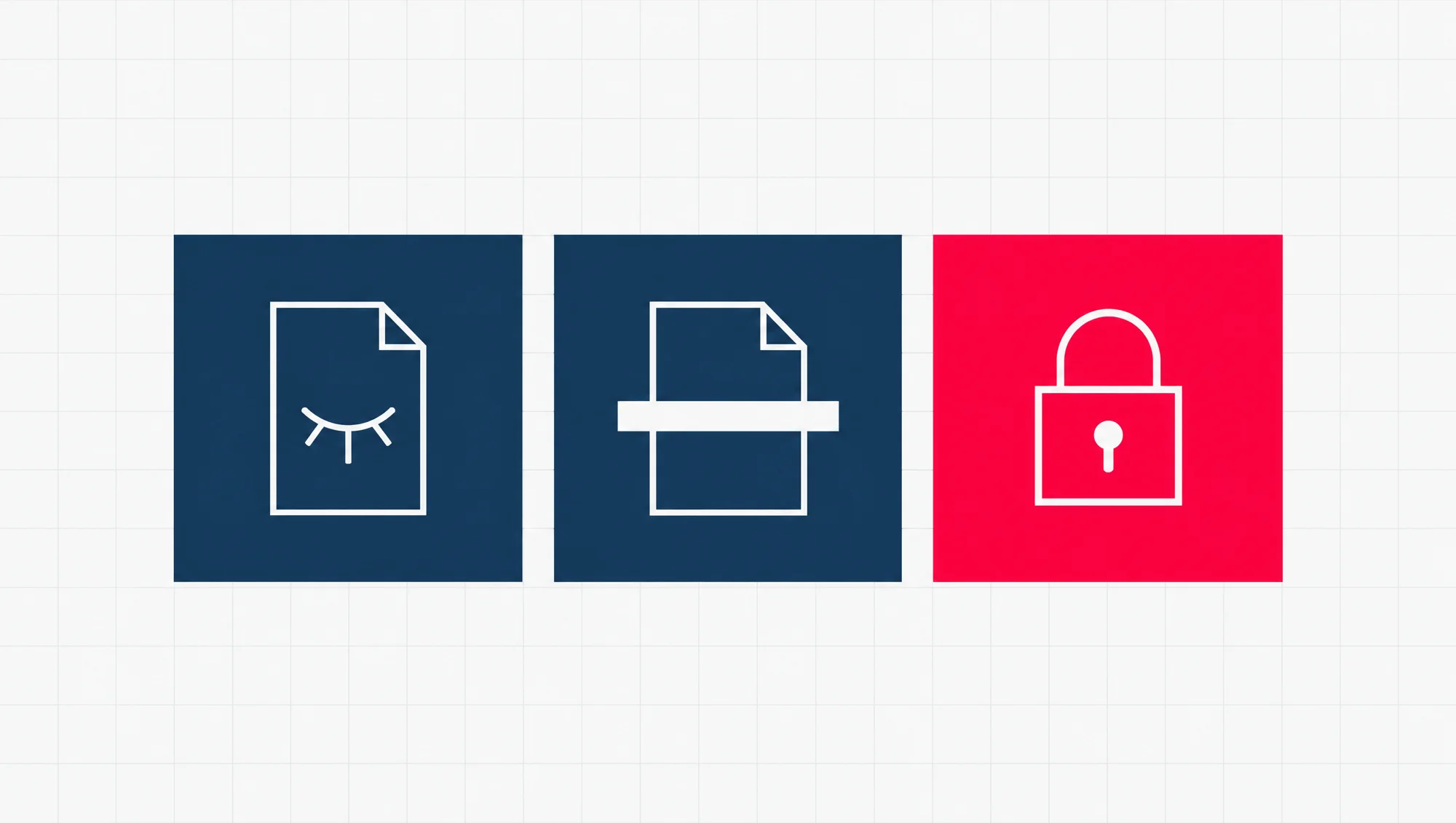
To stop Google indexing a page, add a noindex rule to it and leave the page open for Google to read. noindex is a short instruction, placed in the page’s code or sent with the file, that tells search engines not to show that page in their results. When Google next reads the page and finds the rule, it drops the page from Google Search entirely, even if other sites link to it.
The right method depends on what you are hiding, and who still needs to reach it:
- A staging site, the private copy of your website where changes are tested before they go live: put it behind a password.
- A thank you page, the page people see after they send a form: use noindex.
- A private file: put it behind a password. For a PDF you are happy to share but do not want in Google, send noindex with the file as a header.
robots.txt sounds like the right tool, and it is the wrong one. In Google’s own words, robots.txt “is not a mechanism for keeping a web page out of Google”. Used together with noindex, it stops the noindex from working. The robots.txt section below shows why, and where that mistake shows up in your own Search Console.
The three ways to keep a page out of Google
Each method stops a different thing. noindex stops Google showing the page. robots.txt stops Google reading the page. A password stops everyone reading the page, Google included.
| Method | What it does | Can people still open the page? | Can the address still show in Google? | Use it for |
|---|---|---|---|---|
| noindex (a meta tag in the page, or an X-Robots-Tag header sent with the file) | Tells search engines not to show the page. Google has to read the page to see the rule. | Yes, anyone with the link. | No, once Google has read the rule. | Pages people should reach but nobody should find in search: thank you pages, PDFs you share by link. |
| robots.txt | Asks crawlers not to visit the address. | Yes. | Yes, if other pages link to it. Google can list the bare address, with no description. | Stopping crawlers overloading your site. Not for hiding pages. |
| A password | The server asks for a password before it sends the page. | Only people with the password. | No. Google names it as one way to keep an address out of its results. | Staging sites, client files, anything private. |
noindex hides a page from search results, not from people. It is one rule that can travel two ways. A meta tag is a line in the page’s own code. An HTTP header is a line the server sends along with the file, before the content. Google says the two have the same effect. Either way, anyone who has the link can still open the page.
robots.txt controls visiting, not showing. It is a plain text file at the top of your site, such as example.com/robots.txt, that tells search engine crawlers which addresses they may visit. A crawler is the program a search engine sends out to read web pages. Google’s is called Googlebot. Google says robots.txt is there mainly to stop crawlers overloading your site with requests.
It is also a request, not a lock. Google says the rules “cannot enforce crawler behavior”: Googlebot obeys them, and other crawlers might not. The public standard behind robots.txt, RFC 9309, says the same in one line: “These rules are not a form of access authorization.”
A password is the only one of the three that keeps people out. The simplest kind is HTTP authentication: the server asks for a username and password before it sends anything. Googlebot cannot get past it any more than a stranger can. For anything that must stay private, Google itself points to password-protecting the files on your server.
Does robots.txt stop Google indexing a page?
No. It stops Google visiting the page, which is a different thing. And it can keep a page in Google that you meant to take out.
Here is how. noindex only works when Google can read the page, because the rule lives in the page or in its header. Block the same page in robots.txt and Googlebot stops visiting, so it never sees the noindex. If other pages link to the address, Google can go on listing it. Google’s noindex page puts it plainly: “If the page is blocked by a robots.txt file or the crawler can’t access the page, the crawler will never see the noindex rule, and the page can still appear in search results”.
So the two rules cancel each other out. Say you add noindex to a page, then add a robots.txt block on top to be extra sure. The second step undoes the first.
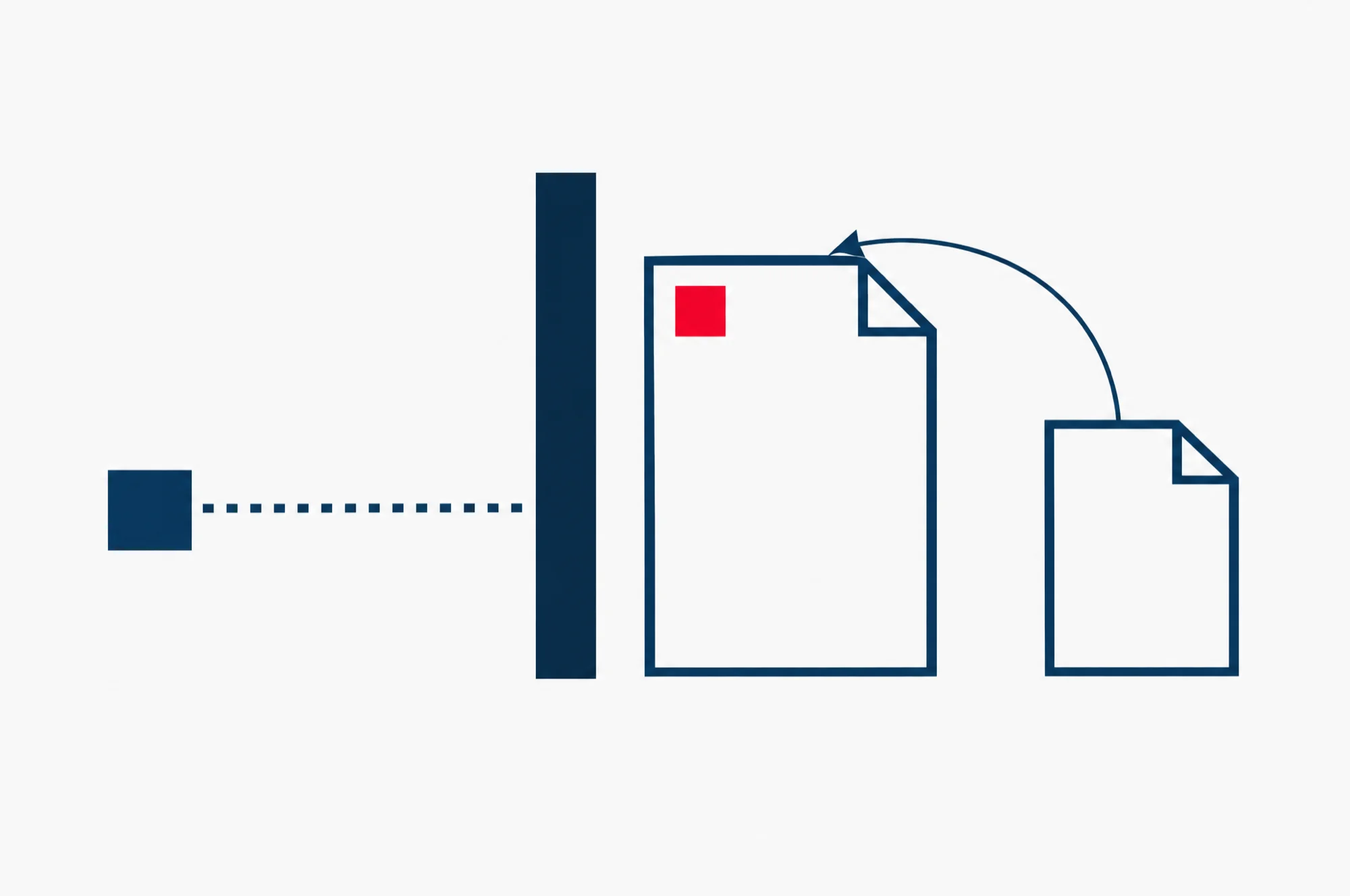
URL Inspection will not catch it for you either. URL Inspection is the Search Console tool that reports what Google knows about one address. Its “Indexing allowed?” line always reads “Yes” when robots.txt blocks the page, because Google cannot see a noindex it is not allowed to fetch. Look at the “Crawl allowed?” line instead. If it says “No”, a robots.txt rule is in the way.
Two smaller points close this off. A noindex line written inside robots.txt itself does nothing in Google: Google says it does not support the rule there. And there is one job robots.txt does well. For image, video and audio files, Google says a robots.txt block does keep them out of its results. For web pages and PDFs, it does not.
Which method fits your page?
Ask two questions. Should anyone be able to open this page? And does Google need to read it to obey you? The three cases below answer them differently.
A staging site: use a password
A staging site is a working copy of your website, where new pages and changes are built and tested before they go live. It holds unfinished work you do not want anyone to see, not just Google. noindex would keep it out of search results, but anyone with the link could still open it. A password keeps out both.
WordPress’s own developers say the most effective way to keep a development site out of search engines is to send the header X-Robots-Tag: noindex, nofollow with everything the site serves, images and PDFs included. That keeps the copy out of search results. It does not keep people out, which is why the password comes first.
One warning for launch day. If the staging site carries a noindex rule and the whole site is copied across to go live, the rule can go with it, and Google will then drop the live site from its results. On WordPress, the setting that adds this rule is a single box, covered below. Our advice: put “check that box is off” on your launch list, next to the domain and the email.
A thank you page: use noindex
A thank you page is the page people see after they send a form or finish paying. Nobody needs to be kept out of it. It simply should not turn up in Google, where a stranger could land on it without ever filling in the form. That is the job noindex was made for.
Leave the page open to crawling: no robots.txt rule and no password. Google has to read the page to find the noindex.
A private file or a PDF: a password, or the noindex header
A private file, such as a client’s report or a signed contract, belongs behind a password. noindex only hides it from search results. Anyone who has the file’s address can still download it, and Google’s own help on removing pages calls noindex “less secure than the other methods”.
A PDF you are happy to share but do not want ranking, such as a price list you send to customers, needs a different route. A PDF has no page code to hold a meta tag. So the noindex travels in the X-Robots-Tag header, which the server sends with the file. Google gives this example for an Apache server, placed in the site’s .htaccess file (a settings file the server reads):
<Files ~ "\.pdf$">
  Header set X-Robots-Tag "noindex, nofollow"
</Files>
That rule covers every PDF on the site. Google’s page also gives the same rule for NGINX servers, and a version for one single file. If you have never edited server files, ask whoever looks after your site to add it. It is also the kind of technical change our SEO service takes care of.
How to add noindex to a page
For an ordinary web page, put this line inside the page’s <head> section, the part of the code that holds the page’s settings rather than what the visitor sees:
<meta name="robots" content="noindex">The word robots means every search engine that supports the rule. To speak to Google only, write googlebot in its place.
For a file that is not a web page, such as a PDF, an image or a video, send the same rule as a header instead: X-Robots-Tag: noindex. The PDF example above shows how.
If your site runs on WordPress, Wix or another website builder, you may not be able to edit the page’s code at all. Google’s advice is to look in the builder’s own search engine settings, where there may be a switch for this job. The tag accepts more rules than noindex, and Google’s Search Central documentation lists every one. If you have not used it before, start with our guide to Google’s official SEO documentation.
What does WordPress’s “Discourage search engines” setting do?
WordPress has a box in its dashboard labelled “Discourage search engines from indexing this site”. Since WordPress 5.3, ticking it adds a noindex rule to the site’s pages, in this form:
<meta name='robots' content='noindex,nofollow' />It did not always work that way. Before version 5.3, the same box added Disallow: / to the site’s robots.txt, a line that asks crawlers to stay away from every page. WordPress’s developers announced the change in September 2019. Their reason was the trap in the robots.txt section above: blocking crawling alone can still let a site be listed, so they moved to a rule that asks search engines not to list it.
What that means for your own site:
- The box is a fair way to keep a whole site out of search results while you build it, as long as you untick it on launch day.
- It is the wrong tool for one page, because it covers the whole site.
- It does not keep people out. Anyone with the address can still open the site, so a staging copy still needs its password.
How to check it worked with URL Inspection
Search Console is Google’s dashboard for your own website, and URL Inspection is the tool in it that checks one address at a time. It is the way to see the page through Google’s eyes.
- Open the URL Inspection tool in Search Console and enter the full address of the page you hid.
- Click Test live URL. The first result shows the version of the page Google last stored, not the page as it is today. The live test reads it as it is now.
- In the live result, open the Availability section and find “Indexing allowed?”. For a noindex page it should say No, with noindex given as the reason.
- Check “Crawl allowed?” in the same section. It should say Yes. If it says No, robots.txt is blocking Google, and Google cannot see your noindex.
A page behind a password gives a different result, because Google should not be able to fetch it at all. In the Page indexing report, Google lists pages like this as “Blocked due to unauthorized request (401)”. That is the result you want for a staging site or a private file.
Passing the live test does not take the page out of Google straight away. Google drops it the next time Googlebot reads the page, and Google gives no fixed time for that: depending on how important the page is on the web, its noindex page says the next visit “may take months”. To get a page out of the results sooner, use the Removals tool in the next section. Later on, the Page indexing report in Search Console lists the pages on your site where Google found a noindex rule, so you can watch the change land.
How to remove a page that is already showing in Google
Do two things, in this order: hide it fast, then make it stick.
Hide it fast with the Removals tool. The Removals tool in Search Console blocks an address from Google’s results for about six months. You must own the site in Search Console to use it. The block only stops Google showing the page. Google can still visit it, and when the six months are up, the page can come back.
- Open the Removals tool in Search Console.
- Select the Temporary Removals tab, then click New Request.
- Choose Temporarily remove URL.
- Enter the page’s full address and choose Remove this URL only.
Make it stick before the six months run out. Google calls the Removals tool only the first step, and lists three ways to remove a page for good:
- Delete the page, so your server answers with a 404 (not found) or 410 (gone) code. A PDF should be deleted from the server completely.
- Put the page behind a password.
- Add noindex. Google notes that this is less secure than the other two.
And one way that does not work. Google says not to use robots.txt to block the page, for the reason above: it hides your noindex from Google.
Does noindex also keep the page out of Bing and other search engines?
Not for certain. Google says other search engines may read the noindex rule differently, so the page might still appear in their results. The Removals tool is no help there either: it removes pages from Google Search only.
How do I check whether Google has indexed a page at all?
Enter the address in URL Inspection and read the status at the top. “URL is on Google” means the page is indexed and can appear in results, though it is not promised a place there. “URL is not on Google” means it cannot appear in Google’s results.
My website builder only lets me add code to the page body. Will noindex still work?
Yes, for Google. Google says it does not insist on the robots meta tag sitting in the page’s head, and it will respect the tag in the body of the page as well.
Your next step: inspect the page you just hid
Do one check today. Open URL Inspection on the page you hid and run the live test from the steps above. If it reads the way those steps say, the setup is right, and the page leaves Google’s results once Googlebot next comes back to it.
Then point the same tool at the pages you do want in Google. Our guide on how to check your website’s SEO for free starts from that same Search Console check.