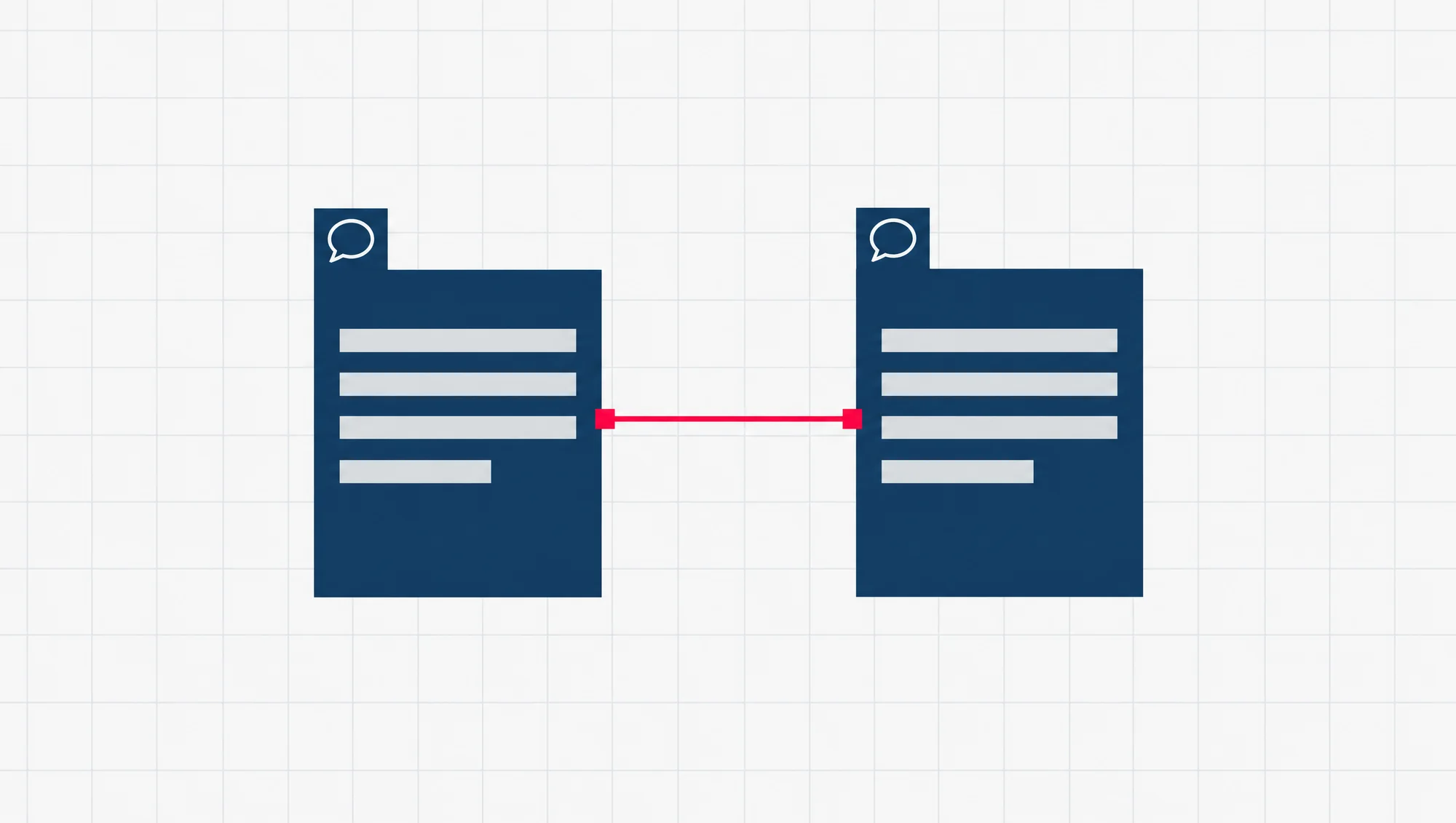
A Chinese version of your website is worth building when real customers read Chinese first, and only for the pages they act on. For most small businesses, our advice is to start with three: the home page, the main service page and the contact page.
SEO, short for search engine optimisation, is the work of helping people find your site through a search engine. Multilingual SEO does that for each language version, so each one reaches the right reader.
The result has a name. Google calls any website that offers content in more than one language a multilingual website.
On a multilingual website, Google keeps the versions apart by three things you control:
- Each language has its own address. The Chinese home page lives at its own URL, its own full web address, such as yourcompany.com.sg/zh/, not at the English address with the words swapped.
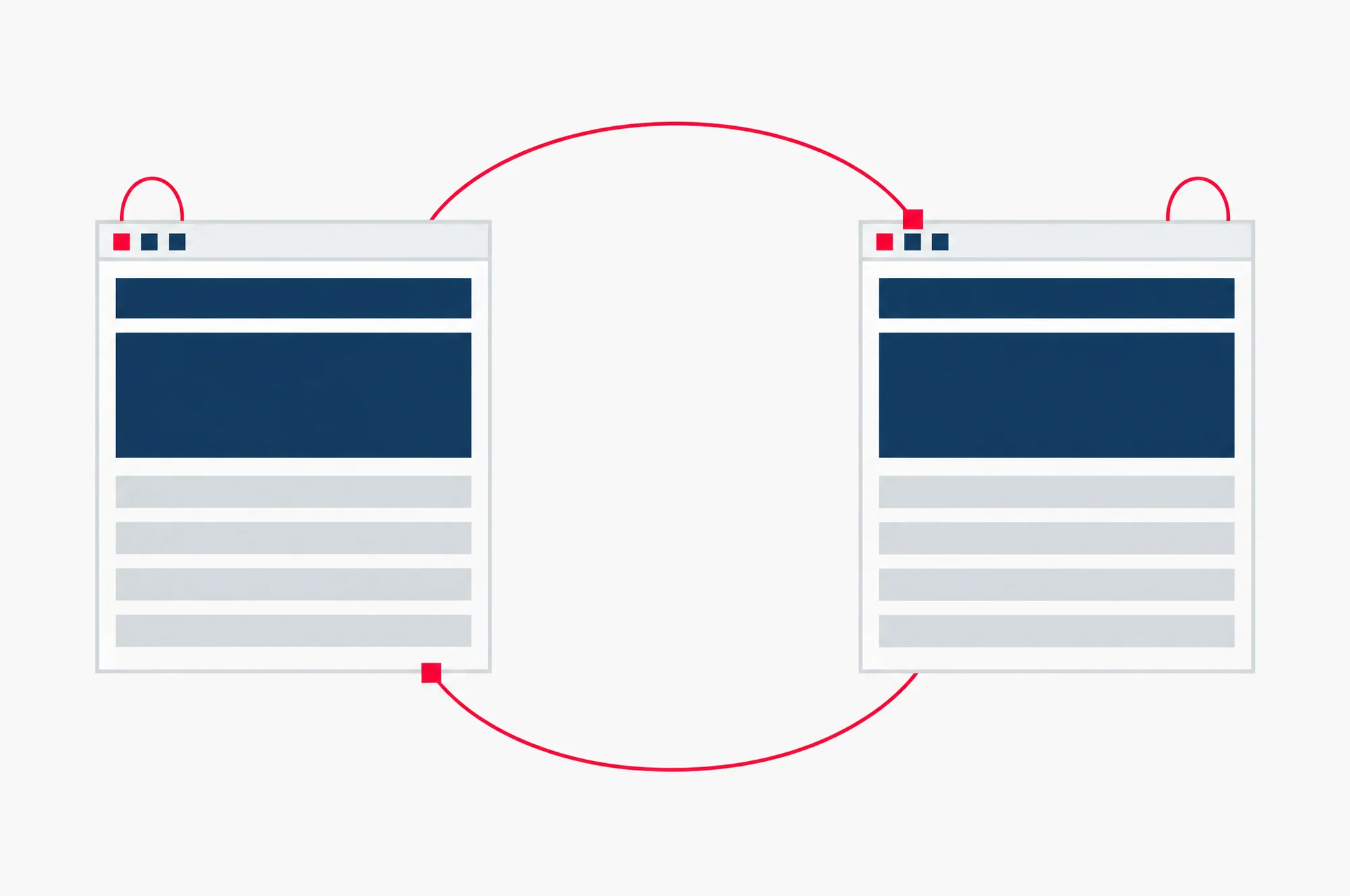
- The pages point to each other. A short line of code called hreflang tells Google that the English page and the Chinese page are the same page in two languages.
- Each page is in one language. Google reads the visible words to decide what language a page is in.
The two common mistakes each break one of those three. One is a single address that changes language by itself. The other is a machine translation published without a person reading it.
On WordPress, a free plugin does most of the technical work. A plugin is an add-on you install inside WordPress. Your part is choosing the pages, getting the Chinese right, and checking that Google finds both versions.
You do that check in Search Console, Google’s free tool for seeing how your site appears in Google Search.
Is a Chinese version of your website worth it in Singapore?
It is worth it if some of your customers would rather read Chinese, and those customers make you money. It is not worth it as a way to get more traffic in general.
Start with who reads Chinese at home. The Singapore Department of Statistics asks residents which language they speak most often at home. In its General Household Survey 2025, English was the answer for 58.1 per cent of residents aged five and over, close to 6 in 10. Mandarin was the answer for 26.6 per cent, about 1 in 4.
| Language most often spoken at home | Share of residents aged 5 and over |
|---|---|
| English | 58.1% |
| Mandarin | 26.6% |
| Malay | 7% |
| Chinese dialects | 4.9% |
| Tamil | 2.2% |
| Other languages | 1.3% |
The Mandarin share has fallen. It was 29.9 per cent in 2020, about 3 in 10, while English rose from 48.3 per cent, just under half. So the group has shrunk a little since 2020, and it is still about a quarter of residents.
The same survey shows something that cuts the other way. Among residents who can read, nearly 8 in 10 could read two or more languages in 2025. So many of your Mandarin-speaking customers may read your English pages already. A Chinese page helps most where reading English is work for them, or where the decision is a big one and they want to be sure.
These figures describe homes, not searches. They say nothing about how many people in Singapore search Google in Chinese for a plumber or an accountant. So treat the survey number as a reason to look at your own customers, not as a traffic forecast.
One fact makes a real Chinese page matter more than you might expect. For some languages, Google can translate a search result into the searcher’s language. As of October 2026, its list includes English, Indonesian, Tamil, Thai and Vietnamese, among others. Chinese is not on the list. So when someone searches in Chinese, Google does not offer them a translated version of your English page. To appear in Chinese for that search, a page has to be written in Chinese.
How Google tells your English and Chinese pages apart
Google needs to find both versions, know they belong together, and show each one to the right reader. Here is how each part works.
Give each language its own address
Google recommends a different URL for each language version of a page. It recommends this over using cookies or browser settings to switch the language on one address. Cookies are small files a site saves in the visitor’s browser to remember things, such as a language choice.
The reason is how Google’s crawler works. The crawler, called Googlebot, is the program that visits pages so Google can store them. Google says it usually crawls from the USA, and it does not tell your site which language it prefers. So if your multilingual website picks the language for each visitor, Googlebot may only ever see one version. Google warns that it “might not find and crawl all your variations”.
Link the versions with hreflang
hreflang is a short line of code, usually placed in the head of a page, the part of its code that visitors do not see. It names each language version of that page and its address. Google uses it to link a searcher to the version in their language.
Two rules decide whether Google uses it at all.
Each page lists itself and every other version. Your English page names the English address and the Chinese address. Your Chinese page names the same two. The set is identical on both.
The links must go both ways. Google says that if two pages do not both point to each other, it ignores the hreflang lines. That stops another site from claiming to be your Chinese version.
Keep each page in one language
Google works out a page’s language from its visible words. It does not use the language label hidden in the page’s code, or the URL, for that. Google’s advice is to use one language for the text and the menus on each page, and to avoid putting the two languages side by side.
So a Chinese page with English menus, or an English page with a Chinese paragraph under each English one, is harder for Google to read. Translate the menus and the footer as well as the main text.
Translated pages are not duplicate content
Duplicate content means the same text at two addresses. You may worry that a Chinese copy of a page counts as that. It does not. Google says localized versions of a page “are only considered duplicates if the main content of the page remains untranslated”.
The risk is the opposite case. If your “Chinese” page still carries mostly English text, Google may treat it as a copy of the English page and leave it out.
Which hreflang code to use for Simplified Chinese
Use zh-Hans. It means Chinese written in Simplified characters, the script, or writing system, Singapore uses. If your Chinese pages are only for readers in Singapore, zh-Hans-SG says that too.
Here is why. An hreflang code starts with a two-letter language code, which for Chinese is zh. A two-letter country code can follow it, such as SG for Singapore. Google also accepts a script code in the middle. Its own help lists zh-Hans for Simplified Chinese and zh-Hant for Traditional, and gives zh-Hans-US as an example of script and country together.
One thing Google does not accept is a country code on its own. SG by itself is not a valid code, because the first code must always be the language.
Watch for the code your plugin picks
This is the quiet mistake. Polylang is the plugin in our steps below. In its own help, Chinese for Mainland China carries the WordPress locale zh_CN. A locale is WordPress’s own label for a language and a place. Polylang builds its hreflang code from the locale, replacing the _ in it with a dash. So if you add Chinese that way, your Chinese pages go out marked zh-CN.
Google accepts zh-CN, so nothing breaks. But it reads as Chinese for readers in China, which is not what a Singapore business means. The W3C, the group behind many web standards, notes that people used to “bend” zh-CN to mean Simplified Chinese “even in Singapore”. It says zh-Hans should improve accuracy.
Our advice: ask whoever builds your pages to set the code to zh-Hans. Polylang’s own guide changes the codes it writes with a code snippet, a few lines of code added to the site, so this is a small job for a developer, not a setting you tick.
Do not do it by changing the language’s code in Polylang’s settings. That code is the /zh/ part of your addresses, and Polylang warns that changing it changes the addresses of every page in that language, which can leave old links broken.
Subfolder, subdomain or a new domain
You have three ways to give the Chinese pages their own addresses. A subfolder adds a short path to your main address. A subdomain adds a word in front of it. A new domain is a second web address altogether, and the kind Google’s table lists is a country domain, one that ends in another country’s code.
| Example | Google lists as strengths | Google lists as weaknesses | |
|---|---|---|---|
| Subfolder | yourcompany.com.sg/zh/ | Easy to set up. Low maintenance, because it stays on the same host, the server your site already runs on. | Users might not tell from the address alone which country the pages are for. One server location. Harder to separate the sites. |
| Subdomain | zh.yourcompany.com.sg | Easy to set up. Allows different server locations. Easy to separate the sites. | Users might not tell from the address whether “zh” is a language or a country. |
| Country domain | yourcompany.cn | Clear signal of the country. Easy to separate the sites. | Expensive, can be hard to get, needs more set-up, and can only target one country. |
Google’s table compares these mainly for targeting countries. For one business adding one language in one country, our advice is the subfolder. It sits on the site you already run, it needs no new hosting, and a Chinese page then shares your main address, which your customers already know.
In our view, a country domain makes sense only if you are opening for customers in another country. A Chinese version for Singapore readers is not that.
Google lists a fourth option, a setting at the end of the address such as ?loc=zh, and marks it “Not recommended”.
Two common mistakes to avoid
Mistake one: one address that changes language by itself
Some multilingual websites show English or Chinese at the same address, picked by a cookie or by the visitor’s browser language. Some send visitors to the Chinese pages automatically because their phone is set to Chinese.
Both cause trouble. The first means Google may only ever see one language, for the crawler reasons above. For the second, Google says to avoid redirecting people, which means sending them to another page automatically, based on what you think their language is, because it “could prevent users (and search engines) from viewing all the versions of your site”.
Do this instead. Give each language its own address, and put a link on every page to the same page in the other language. Let the reader choose.
Mistake two: machine translation nobody has read
Machine translation means a tool such as Google Translate or DeepL turns your English into Chinese with no person involved. It is a fair way to get a first draft. It is a poor way to finish one.
Does Google punish machine translation? Not as such. Its spam rules, as of October 2026, name translation in one place. It sits under scaled content abuse, Google’s name for making many pages mainly to manipulate search rankings, not to help users.
The example that names translation is scraping, which means copying content from elsewhere, to generate many pages. That includes “automated transformations like synonymizing, translating”, “where little value is provided to users”. Synonymizing means swapping words for others that mean the same. Three translated pages of your own business are not that.
The real cost is your customer. Someone who reads Chinese first is likely to notice stiff or wrong Chinese, and on a page about your prices or your services, that costs you their trust. Service names, prices, your address and your opening hours are where a wrong word does the most harm.
Our advice to our own clients: a machine draft is fine, but someone who reads Chinese well reads every page before it goes live. That can be a staff member, a family member who knows the business, or a paid translator. Then fix what they mark.
How to add Chinese pages to a WordPress site
The steps below use Polylang, a free plugin in the WordPress.org directory with more than 900,000 active installations, which means sites where it is switched on. Its free version puts a language’s code in the address, which gives you the /zh/ subfolder, and it writes the hreflang lines for you.
If your site already runs another multilingual plugin, keep it, and check the same things.
- Back up the site, so you have a copy to restore if something goes wrong. Then install and switch on Polylang from the Plugins menu.
- Go to Languages, Languages. Pick English from the list under Add new language and click Add new language. Do the same for Chinese.
- Go to Languages, Settings. Choose the option that sets the language from the directory name in the address, the
/zh/part. Keep the English code hidden from your addresses, so your English pages keep the addresses Google already knows. - Mark your existing pages as English. Polylang’s help has a page on giving existing content a language.
- Create the Chinese version of each chosen page from its English page, starting with the home page, your main service page and your contact page. Translate the menu and the footer too.
- Add a language switcher, the small link that takes a reader to the same page in the other language. Polylang offers one as a block (a piece you add inside a page), a widget (a piece for a side panel or footer) or a menu item.
- Have someone who reads Chinese well read every Chinese page, then fix what they mark.
- Publish. Then open a Chinese page in your browser, view its source, the code behind the page, and search for
hreflang. You should see one line for the English address and one for the Chinese address, and the same two lines on the English page.
If the hreflang lines show zh-CN, that is the plugin’s locale at work. Pass the code-snippet change in the section above to whoever looks after your site. If you would rather hand the technical side to someone from the start, our SEO service includes technical foundation work, fixing what holds a site back in search, which is where this sits.
Check that Google finds both versions
Once the Chinese pages are live, check each one in Search Console. If you have not set it up, our guide to checking your website’s SEO for free walks you through it.
The tool to use is URL Inspection, which tells you what Google knows about one address on your site.
- Paste the full address of a Chinese page into the search bar at the top of Search Console.
- Read the status. “URL is on Google” means the page can appear in results. It does not promise that it will. “URL is not on Google” means it cannot appear.
- Open the page indexing details. Indexing means Google has stored the page so it can show it in results. Find the Google-selected canonical there. The canonical is the address Google treats as the main one when it thinks two pages are copies.
- If the Google-selected canonical is your Chinese page’s own address, Google sees it as its own page. If it shows your English address, Google is treating the Chinese page as a copy.
For a page that is not really a copy, Google’s help says to make sure its content differs substantially from the other page. For a Chinese page, that means translating what is left in English: the main text, the menu and the footer. Then inspect the address again.
Questions owners ask
Do I have to translate the whole site?
No. Start with the pages your Chinese-reading customers act on. Google allows a language to be missing on some pages, and it still uses the hreflang lines on the pages that do point to each other. Add more Chinese pages later, if enquiries show they are read.
Will a Chinese version hurt my English pages in Google?
It should not, if it is built the way above. The English pages keep their own addresses, the two versions point to each other, and a page that is properly translated is not a duplicate in Google’s eyes. The step that can hurt is the one that changes your English addresses, which is why step three keeps the English code out of them.
What is x-default, and do I need it?
x-default is an extra hreflang value for a page that suits a reader whose language matches none of your versions. Google suggests considering one, especially on a page where visitors choose a language. On a multilingual website with only English and Chinese, and no language-choice page, you can leave it out. Polylang adds one by itself only in one case, on a home page that sends visitors to a language automatically.
Where to go next
Chinese pages are one part of how a Singapore business shows up in Google. Before you decide which of your pages earn a Chinese version, read our page on SEO in Singapore for the wider picture. For Google’s own rules on everything above, our page on Google’s SEO documentation shows where they live. More of our field notes on websites, SEO and IT for Singapore businesses are in the Notes index.