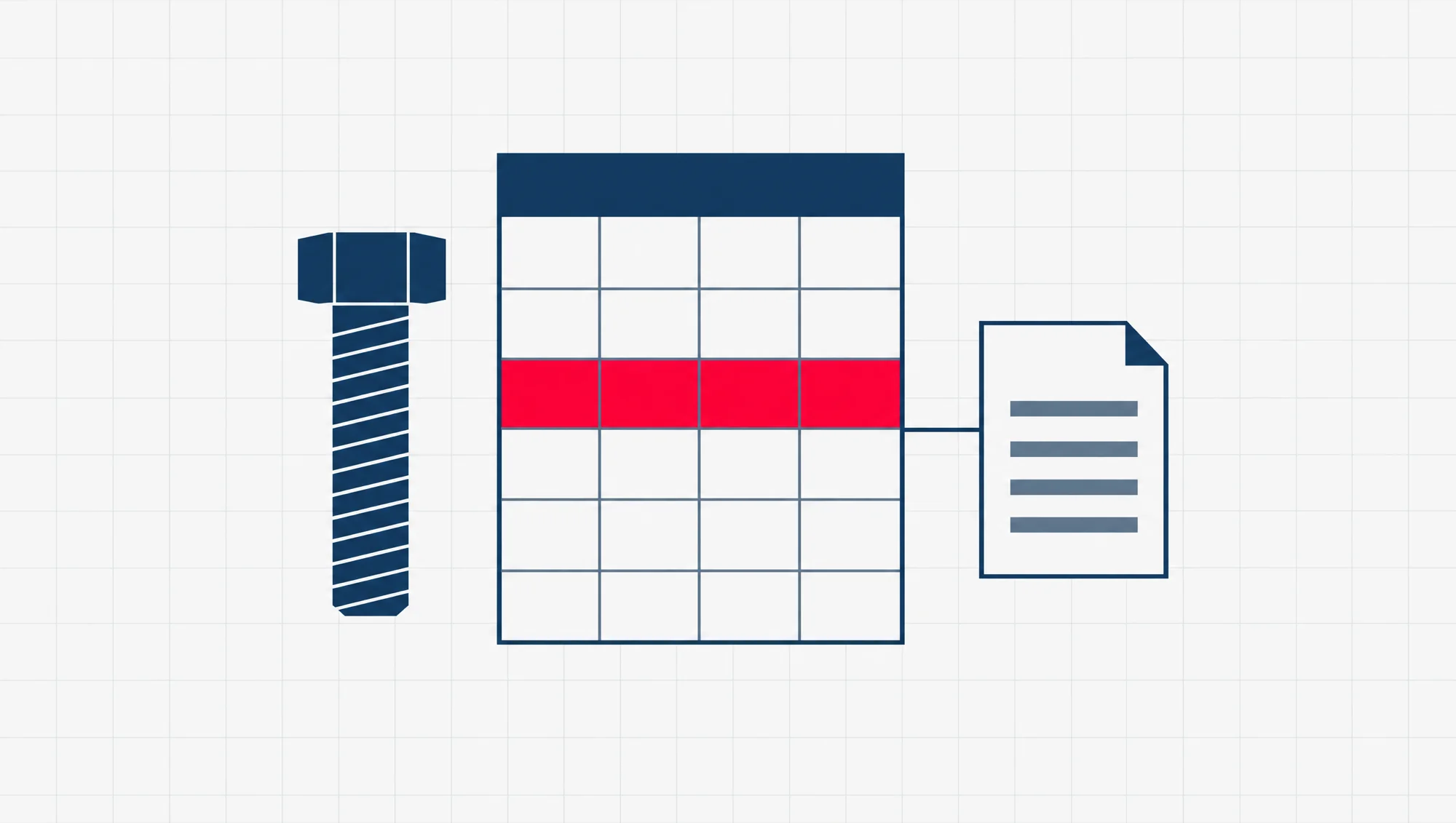
B2B SEO is search engine optimisation (SEO) for a firm that sells to other firms. SEO is the work of helping Google understand your pages so the right people find them. B2B means business-to-business: your customers are companies, not the public.
For a Singapore supplier, distributor or small manufacturer, that means one web page for each product line or service you offer, with the specs written on the page itself. Specs, short for specifications, are the sizes, materials and ratings a buyer checks. Keep your PDF datasheet, the spec sheet buyers download, and link it from that page. What you can usually skip is a shop cart, a push for Google Maps rankings and a company news blog.
That follows from who is searching. The person looking for you is often an engineer or a procurement officer, the staff member who sources and buys for a company. Often they do not know your name yet. So they type the exact thing they need, such as the code on a part or the standard a job calls for.
How is B2B SEO different from local SEO and ecommerce SEO?
SEO works the same way in all three. What changes is who is searching, what they type and where the sale ends. That decides which pages do the work.
In B2B, the sale usually ends in a request for quotation, or RFQ. That is the buyer’s formal ask for your price on a stated quantity and spec. It takes the place of the cart.
| Local business | Online shop | B2B supplier | |
|---|---|---|---|
| Who searches | Someone nearby who wants to visit or call | A shopper who wants to buy now | An engineer or a buyer at another company |
| What they type | The service and the area | The product or the brand | A part number, a spec or a standard |
| Where the sale ends | A visit or a phone call | The cart | A request for quotation |
| The page that does the work | The Google Business Profile, the firm’s own listing on Google Maps | Category and product pages | One page per product line or service |
If you run an online store, our guide to ecommerce SEO for a Singapore store covers the order of work for a shop. If customers walk in, our guide to what moves your Google Maps ranking in Singapore covers the Business Profile work. This page is for the third column.
What does a B2B buyer type into Google?
Something exact. Say a maintenance engineer at a food plant needs to replace a worn pump seal. The quickest search is the part number stamped on the old one. If that finds nothing, the next search is the size and the material. Their colleague in purchasing, asked to find a second supplier, may add the certification the company insists on.
Searches like these come in three kinds:
- A part or model number. The maker’s code for one exact part, copied off the old part, the drawing or the last invoice.
- A spec. A material grade (the exact type of metal or plastic), a size, a pressure or temperature rating, a finish.
- A standard or a certification. A standard is a published set of rules for how something is made or tested. A certification is a certificate from an outside body saying a firm or a product meets one. The buyer types the standard number the job calls for, or the name of a certificate their company asks its suppliers to hold, written the way it is on the certificate, for example “ISO 9001”.
Google’s own SEO Starter Guide says this plainly. People who know a lot about a topic “might use different keywords in their search queries than someone who is new to the topic.” Your buyers know their field well, so they search in its terms.
Each of these searches is narrow. Not many people type any one part number. But nobody types a seal’s part number for fun. A search that exact comes from someone with a job to fill.
Certifications deserve their own note. Enterprise Singapore’s quality and standards page describes certification as a way to assure “buyers and sellers along the value chain that your business provides high quality and reliable outputs.” The value chain is every firm with a hand in a product, from the maker to the last buyer. If you hold a certification, write its name and number out in the text of the pages where it applies, not only as a badge in the footer. A buyer may search for exactly those words.
One page per product line, with the specs in the page text
This is the page that answers those searches. Many supplier sites are built as a brochure: one products page that lists every line in a paragraph, then a link to a PDF catalogue. That gives Google one thin page, with little on it about any single product, to match against every exact search your buyers make.
Split it. Give each product line its own page. If you make to order, do the same for each service: one page for CNC machining (cutting parts on computer-controlled machines), one for powder coating, one for sheet metal work. Each page carries:
- What it is and what it is for, in two or three plain sentences.
- The specs as text or an HTML table, meaning a table built into the page, not a picture of one: sizes, materials, grades, ratings, tolerances (how far a size may vary), the standards it meets.
- The part or model numbers you stock, written out in full, including the old codes buyers still use.
- The industries that use it, so a buyer can see you have done this before.
- The datasheet, as a link from the page.
- One way to ask for a quote, on the page, with the product already named in the form.
Write the part numbers and specs a buyer might type on the page itself. That is the plainest way to give Google the words to match.
Then link every product page from your menu or a product index, one page that lists them all. The same guide says “the vast majority of the new pages Google finds every day are through links”. A page nothing links to is a page Google may not find.
Does Google read your PDF datasheets?
Yes, the text in them. Not the pictures.
Google answered this in 2011, in a post called PDFs in Google search results that is still up on its Search Central blog. It says Google can generally index the text in a PDF, as long as the file is not password protected or encrypted (scrambled so only someone with the key can open it). To index something means Google stores it so it can show it in search results. Its rule of thumb: “if you can copy and paste the text from a PDF document into a standard text document, we should be able to index that text.”
A scanned catalogue is weaker. Where the text is only a picture, Google says it “may” use OCR to read it. OCR, optical character recognition, is software that turns a picture of words back into words. “May” is not a promise.
The pictures are the bigger gap. On the images inside a PDF, Google’s answer is short: “Currently the images are not indexed.” Google says that for images to be indexed, you should create HTML pages for them. So a dimension drawing or a photo that lives only in your datasheet will not turn up in Google Images.
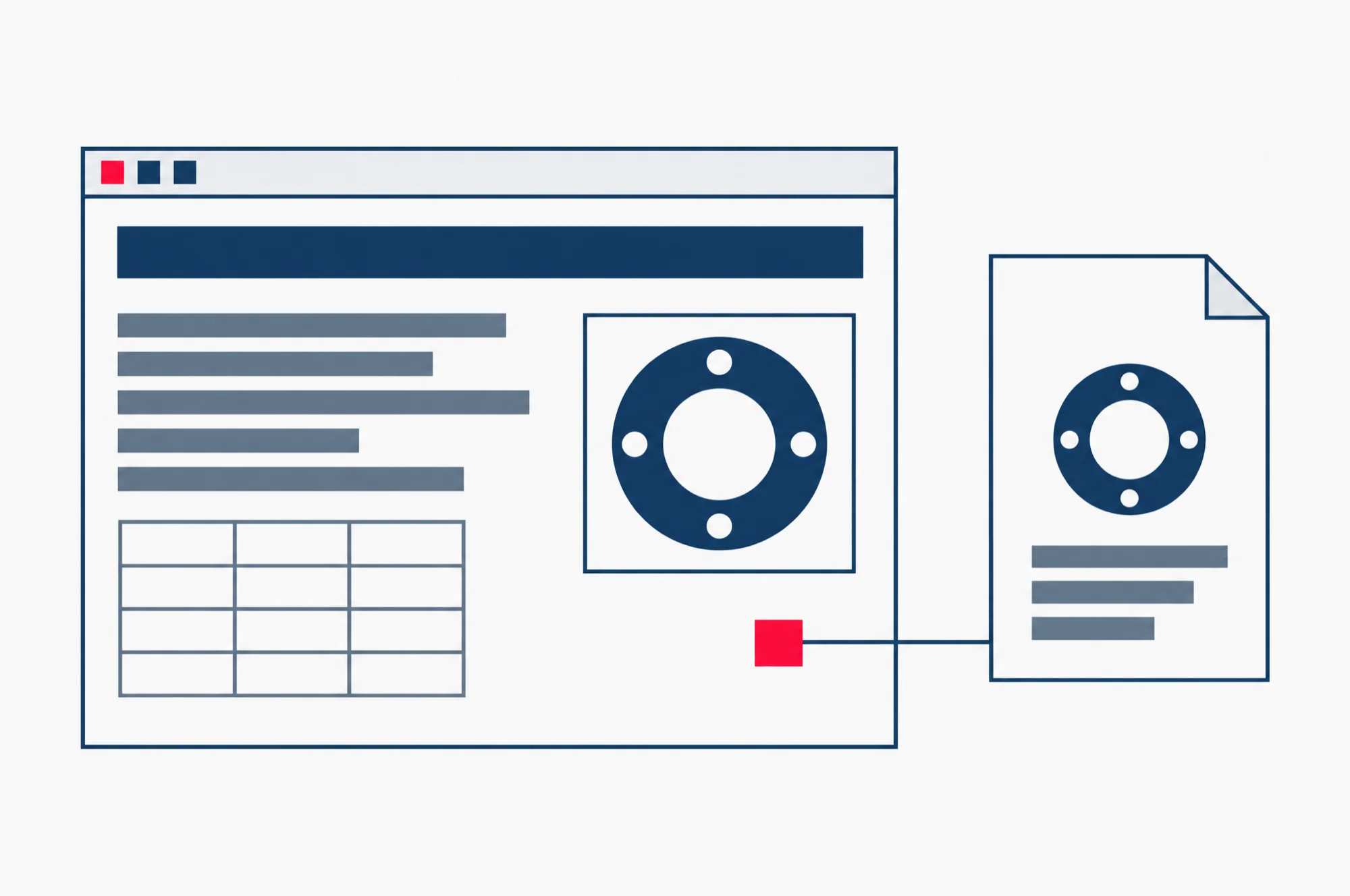
Keep the PDF, but do not let it stand in for the page. Buyers still want a file to download and forward to a colleague. But a PDF opened from a search result has no menu, no other products and no quote button. The web page has all three, so put the specs there first and link the PDF from it.
Should a supplier site use Product structured data?
Yes, on pages that really show a product, and only with values the page itself shows.
Structured data is a short block of code in the page that tells Google, in a fixed format, what the page is about. The format for products is called Product, from a shared vocabulary named schema.org. With it, Google may show your product’s details in a richer way in its results.
Google’s product structured data page, last updated on 10 December 2025, names two kinds. Product snippets are “for product pages where people can’t directly purchase the product.” Merchant listings are “for pages where customers can purchase products from you.” A supplier page that ends in a quote request, not a cart, fits the first kind.
Google’s general rules for structured data set the limits. To mark up a page means adding this code to it. “Don’t mark up content that is not visible to readers of the page.” And: “Your structured data must be a true representation of the page content.” Google also names “fake reviews” as an example of misleading markup.
For a supplier, that means three things. Mark up each product page for the product it shows. Put in only the values the page shows. And leave out a rating or a price you do not publish. Google’s rules also say an item missing a required property, one of the details Google insists on, is “not eligible for rich results”. Rich results are those fuller listings with extra product details. So check the required list in Google’s documentation before you add the code.
Case pages by industry
A product page says what you sell. A case page says who you sold it to, and for what job.
Write one for each industry you serve: marine, food manufacturing, construction, whatever your real list is. Each one names the kind of client, the problem, what you supplied or made, and the specs that mattered. Name the client only if they have agreed to it in writing. “A Tuas shipyard” is enough when they have not.
These pages do two jobs. They catch searches that pair an industry with a spec. And they answer the question a procurement officer asks before adding a new supplier to the list: has this firm done work like ours before?
What can a B2B supplier site skip?
Three things take up time on many supplier sites and do little for a buyer.
A push for Google Maps rankings. Keep your Google Business Profile correct, because a buyer checking a new supplier may look you up there. But if nobody walks in, the Maps ranking work that a clinic or a café needs is not where your hours should go.
A shop cart. If every order ends in a quote, a cart adds pages to keep up and asks buyers for a step they will not take. A clear quote form on each product page does that job.
A company news blog. Does a B2B site need a blog? Not one about trade fairs and the annual dinner. A post can earn its place when it answers a question your buyers really ask, such as which grade holds up in seawater or how to read a mill test certificate, the mill’s record of the tests run on a batch of metal. If it would not help a buyer, it can wait.
How to check it in Search Console
Google Search Console is Google’s own tool for site owners. It shows which searches bring your site up in Google. Once your site is set up in it, the check below needs nothing else.
- Open the Performance report for search results.
- Click the Queries tab. Google’s help page says this is where you “see what search queries showed your site.”
- Read down the list for part numbers, model codes, material grades and standard numbers.
- Filter by page URL, the page’s web address, to see the searches a single product page draws. Google lists page URL as one of the filters.
- Look at impressions beside each search. An impression means someone saw a link to your page in Google’s results, whether or not they clicked.
- Where a spec search that matters to you has impressions but few clicks, run the same search yourself. Google suggests this too: “do a similar Google search to see what comes up”.
If part numbers you sell never appear in the list, check whether those numbers appear as text on any page of your site. That is usually the place to start.
If you would rather hand that work over, keyword research and content strategy are both part of our SEO service for Singapore businesses.
How long does it take? Google’s SEO Starter Guide gives no fixed time. It says some changes “might take effect in a few hours, others could take several months.” It also suggests waiting a few weeks before you judge whether a change worked. Nobody can promise you a date, and a supplier who is told otherwise should ask how.
The next read
This page is about your own site. For the wider picture of search in Singapore, read our guide SEO in Singapore: what you pay for, how long it takes, and what to ask first. It covers which search engines people here use, what paid SEO work includes, and the questions to ask before you pay anyone.