
There is no right number. Google says it has no preferred word count, and the length of a post on its own does not change where it ranks. Write until the question your post set out to answer is answered, then stop.
Are you writing to a particular word count because you’ve heard or read that Google has a preferred word count? (No, we don’t.)
That question sits in the warning-sign list Google keeps for writers checking their own work, on the page called Creating helpful, reliable, people-first content. The questions around it ask whether readers come away still needing to search again for a better answer somewhere else. Further down the same page, under the heading “Content and quality questions”, Google asks whether your page gives a substantial, complete description of the topic. Higher up, under “Focus on people-first content”, another question asks whether the content shows first-hand expertise.
Word count is on that list, as a question with its answer already filled in: no. No question on the page asks you to reach a length.
What Google says about word count
Two of Google’s own pages answer this question, and neither of them needs a second source behind it.
The SEO Starter Guide, the longer guide Google publishes for people setting up a site, has a short section headed “Minimum or maximum content length”. It says this:
The length of the content alone doesn’t matter for ranking purposes (there’s no magical word count target, minimum or maximum, though you probably want to have at least one word).
Both pages carry the same last-updated date, 10 December 2025. This is Google’s current position, not something left to rot in a corner of the documentation.
Now read what Google does not say. Neither page says longer posts rank better. Neither publishes a floor. Neither publishes a ceiling.
The earlier version of this page said that Google tends to favour longer blog posts. Google’s own guidance does not support that, and we have taken it out. We would rather leave you with no number than with one we cannot show you.
What Google offers instead is a harder test, and it is written on the same page as the pull quote above. It asks whether your content provides “a substantial, complete, or comprehensive description of the topic”, and whether it provides “substantial value when compared to other pages in search results”. That is harder to satisfy than a count, and it is the one Google has actually put in writing.
The rule that works: length follows the question
With no number to hit, you need something else to decide by. Ours is one line: write the length the question needs.
Start with the single question your post answers, written in the words a reader would type into Google rather than in your own summary language. Then ask what a reader would still be missing when they close your page. Every part you write has to remove one of those gaps. When the gaps are gone, the post is finished, whatever the counter says.
That rule handles the cases a fixed range cannot. A post answering “what is a canonical tag” is finished in a few hundred words, because there is one definition and one example to give. A post answering “how do I move my domain to a new host” is not finished until every step is there, because a missing step costs the reader the whole job. Neither one is padded. They are simply doing different amounts of work.
How long each kind of search needs
Search intent is what someone is trying to do when they type a query, rather than the words they happen to type. It is worth naming here because the length question is really an intent question wearing a number’s clothing.
This is how we set the length for each kind of search we write for.
| What the reader is searching for | What a complete answer has to carry | The sign it is done |
|---|---|---|
| A definition, such as what a canonical tag is | The plain meaning, plus one example from their own situation | They could explain it to a colleague |
| A how-to, such as how to export an inbox | Every step in order, with what success looks like at each one | They can do it without scrolling back up |
| A comparison, such as two hosting plans | The difference that changes the decision, and who each one suits | They can pick one |
| A full guide, such as everything about a topic | The whole shape of the subject, including the parts that usually get skipped | The next question is a different post |
| A change worth knowing about, such as a new Google feature | What changed, when it takes effect, and what to do about it | They know whether it affects them |
Watch the third column. Most posts that feel over-written are not long everywhere; they answer well in one part and then keep going past the point where the reader has what they came for.
Is 500 words enough for a blog post?
Only if 500 words finish the job. Google’s own guidance publishes no floor, so a post does not become short because the count is low. It is short when it leaves the reader holding a question it should have answered.
Run the two questions Google does publish and you have your answer. Does the page give a substantial, complete description of the topic? Does it give value when compared with the other pages already answering the same search? A 400-word post that answers a narrow question completely holds up to both. A 2,000-word post that spends most of itself on background nobody came for does not, and adding more words to it will not change that.
While you are rewriting, it is worth reading our ten SEO tips every blogger should know. It covers the parts of a post that do change what people see.
Can a blog post be too long?
Google’s own guidance answers no, in as many words: there is no maximum. A long post is not penalised for its length as such.
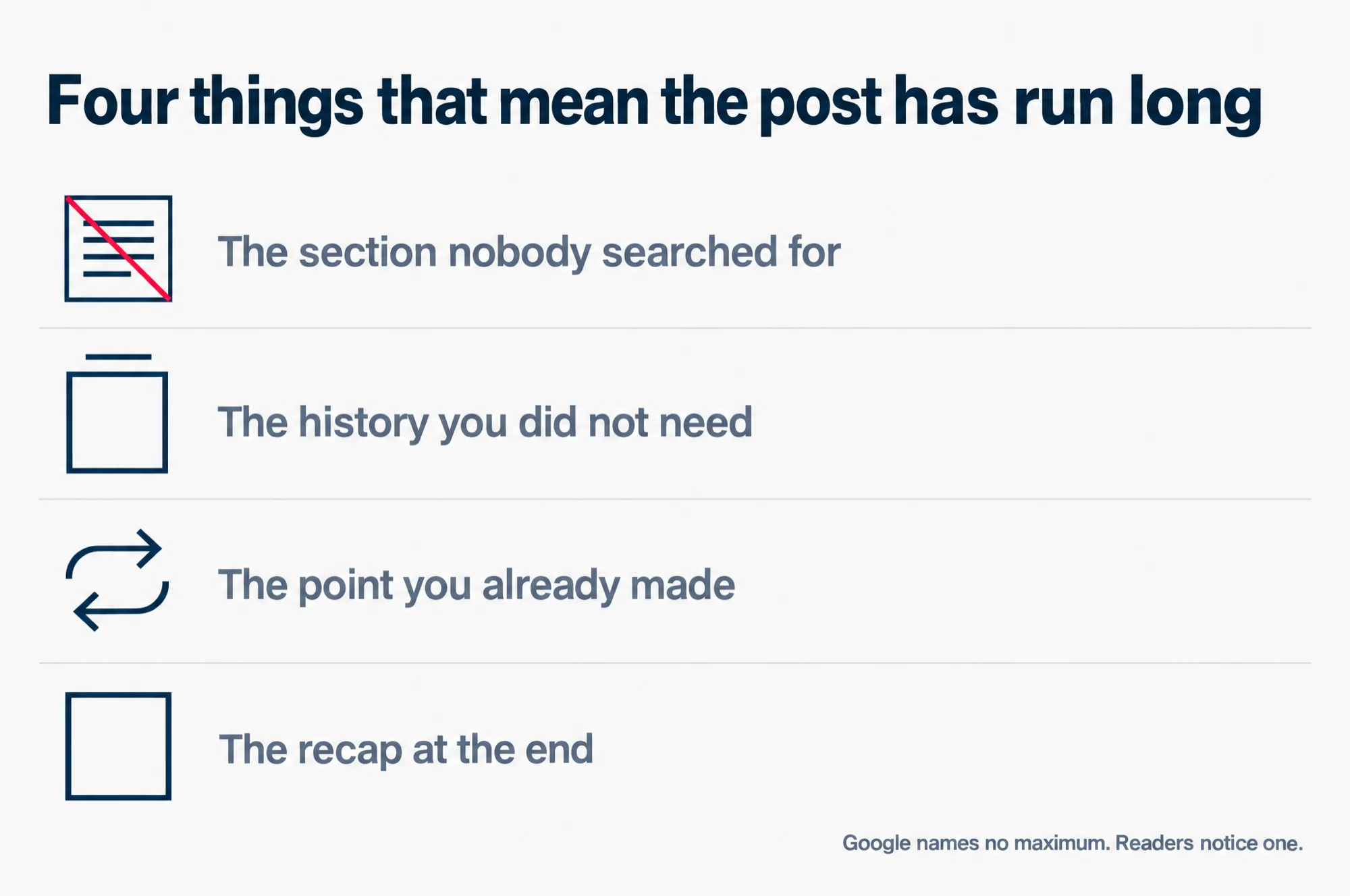
A post still goes wrong when it drifts, and you can see that from the reader’s side. The answer arrives early, and the page keeps going past it. A section on background the reader did not come for. The history of the topic, told at length. A second version of a point you already made. None of that is a ranking penalty. It is a reader deciding you gave them the answer already, and leaving.
The practical version: move a paragraph somewhere else and read the piece without it. If nothing breaks, cut it. You will rarely miss it.
Read this as words instead
Four things that mean the post has run long
- The section nobody searched for
- The history you did not need
- The point you already made
- The recap at the end
Google names no maximum. Readers notice one.
Where those average length figures come from
You will have seen the number before. A range in the low thousands, attributed to a study, printed by one SEO guide after another. The number is the least interesting part of it. The study behind it is the part worth asking about.
We went looking for the original studies behind the figures the SEO guides repeat, and we could not find them. What came back was other guides quoting the same two numbers. So we are not going to print one here.
If we cannot show you where a figure came from, you cannot check it either. And an average of what other people write tells you about writers, not about what Google ranks.
The check to run before you write
Five minutes before the draft saves an afternoon of trimming after it.
- Write down the one question your post answers, in the words a reader would type into Google.
- Search it. Read the pages that answer it properly, and ignore what their word counters say.
- List what those pages have that yours would not: a step, a table, a warning, a figure with its source named.
- Write until your post has those parts and nothing else.
- Re-read the opening. If the answer is in the first two paragraphs, delete whatever sits between them and the next heading.
Questions we get asked about post length
My post is 600 words and the page above me is 2,000. What do I do?
Read their page for the parts you are missing, not for its length. If yours already covers them, you have a different problem, and more words will not fix it. If it does not cover them, that list is your next draft.
Do longer posts get more shares or more links?
The figures usually quoted for that point to studies we could not find at source either, so this page does not repeat them. What you can check yourself: look at the pages already ranking for your question and see whether any of them is padded. That is the part readers actually react to.
Should I rewrite a short post to make it longer?
Only if it is missing something. Padding an old post to lift its count does not change whether it answers the question. It does change its date, and Google asks writers not to change the date on a page when the content has not substantially changed.
Is there a length that suits every small business blog?
No, and that is the useful part of the answer. Your posts will not all be the same job, so they should not all be the same size. The table above is how we decide, and it needs no budget from a vendor to work.
What to do before your next post
One check, and it takes five minutes. Write down the one question your post answers, search it, and read the pages that answer it properly. Note what they have that yours would not. Then write until your post has those parts, and stop.
If the question itself is the hard part, start with how to find seed keywords. It covers getting the question out of your sales emails and the things customers keep asking you, rather than out of a tool.
While you are on the page, our on-page SEO checklist covers the parts of a post that do change what people see: the search title, the description and the headings. If you want more of the same, more from the studio’s blog is one click away.